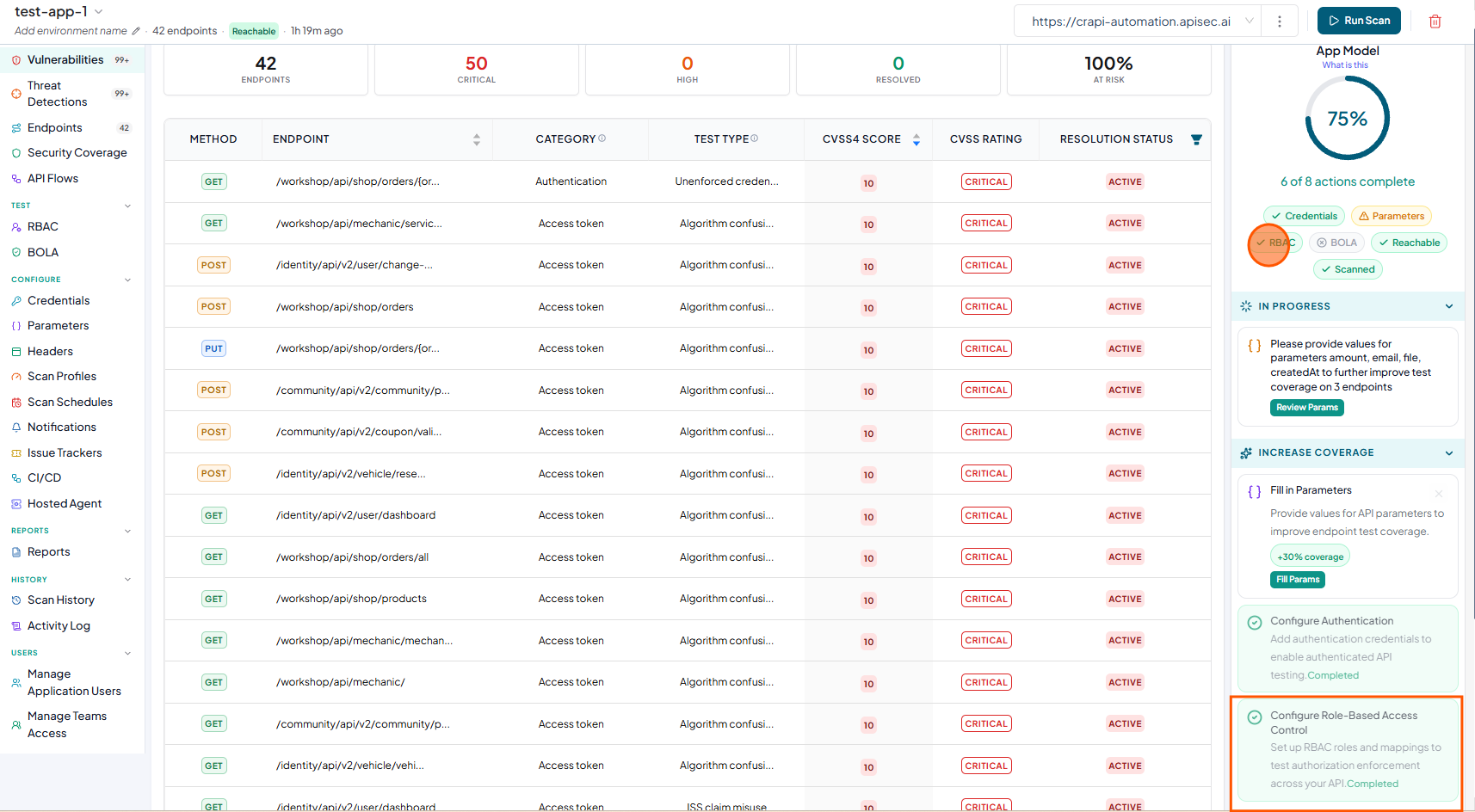
Configuring RBAC
-
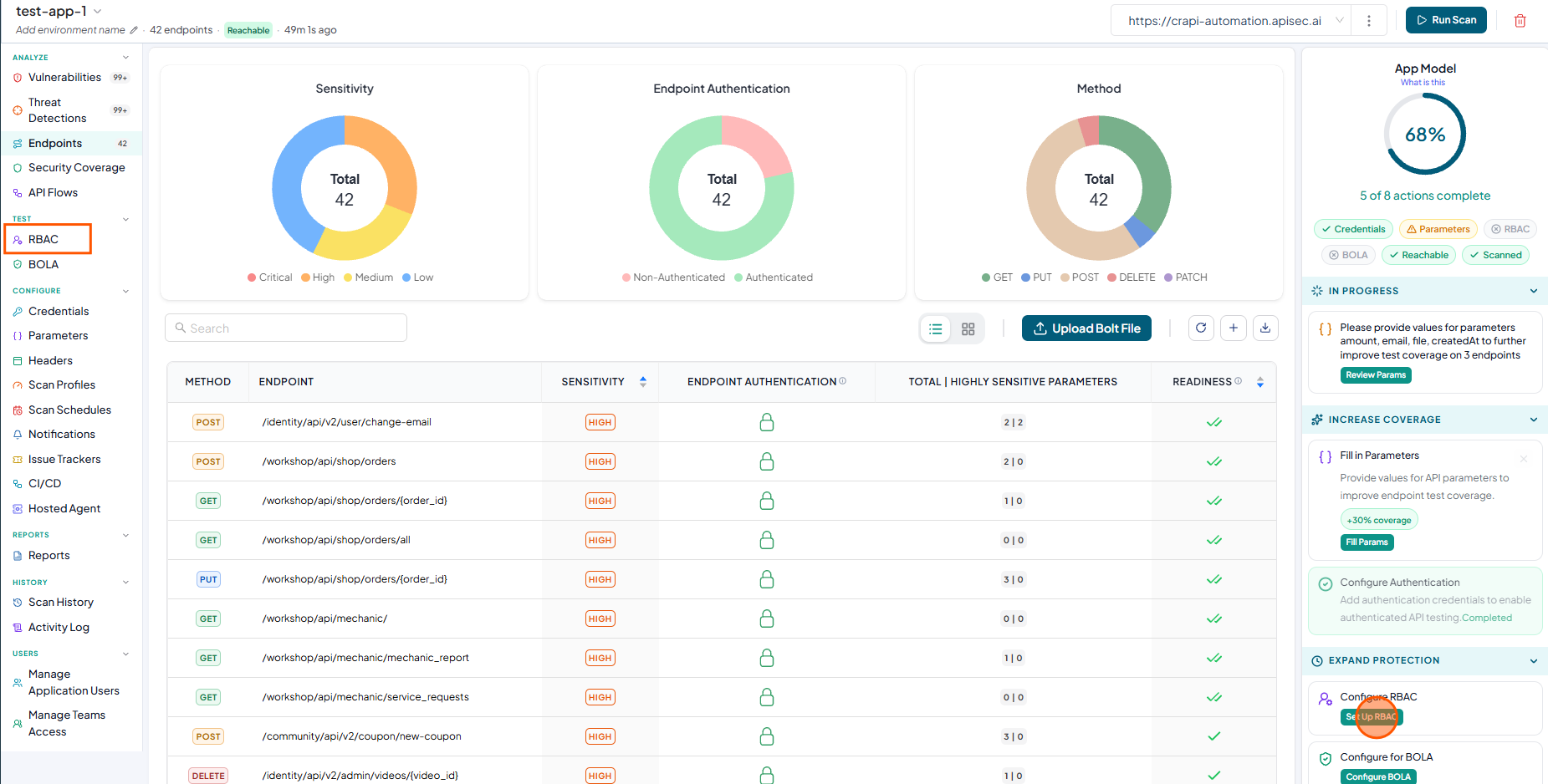
To configure RBAC, click Set Up RBAC in the App Model or select RBAC from the sidebar.
-
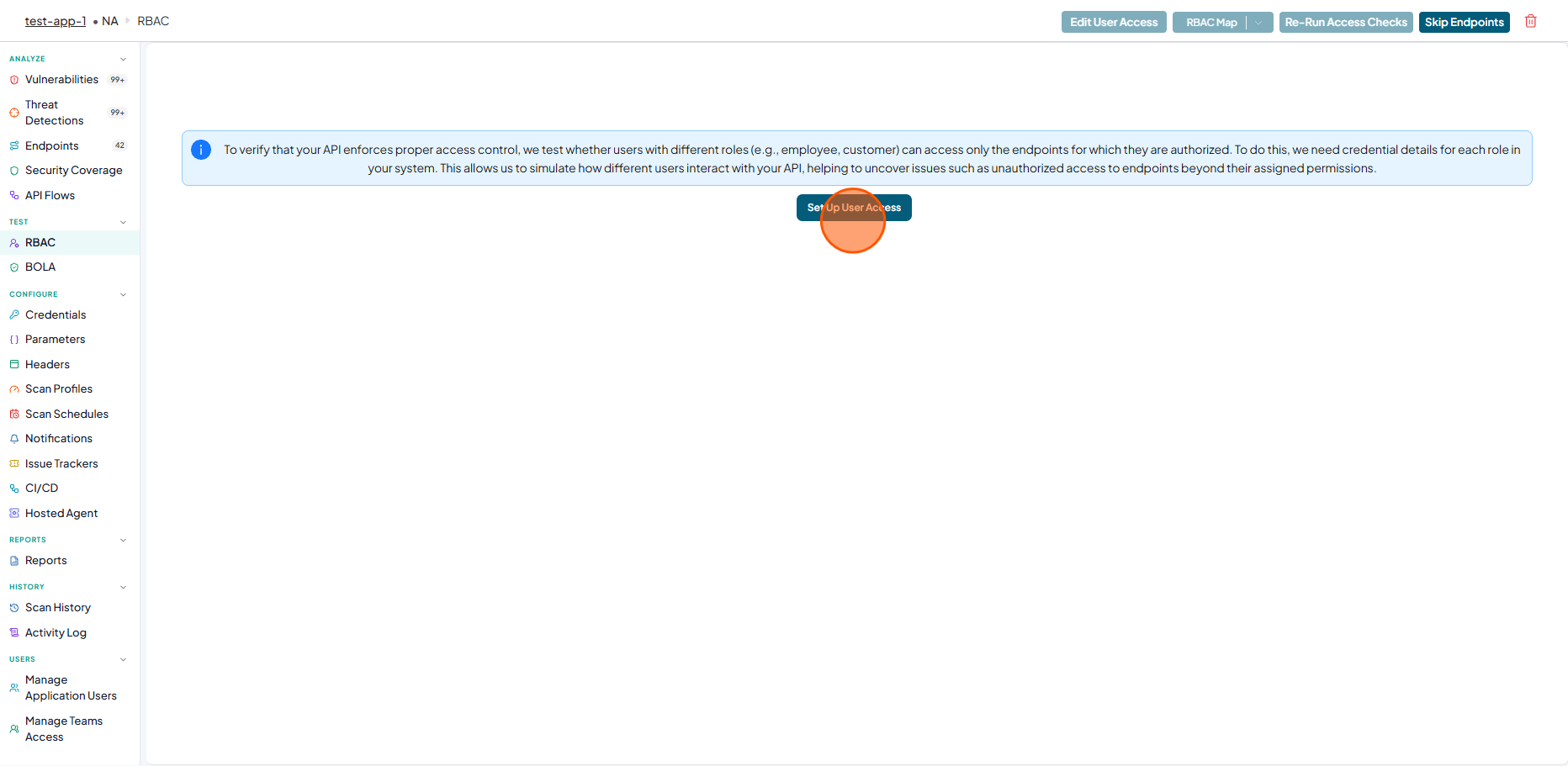
Now click on Set Up User Access
-
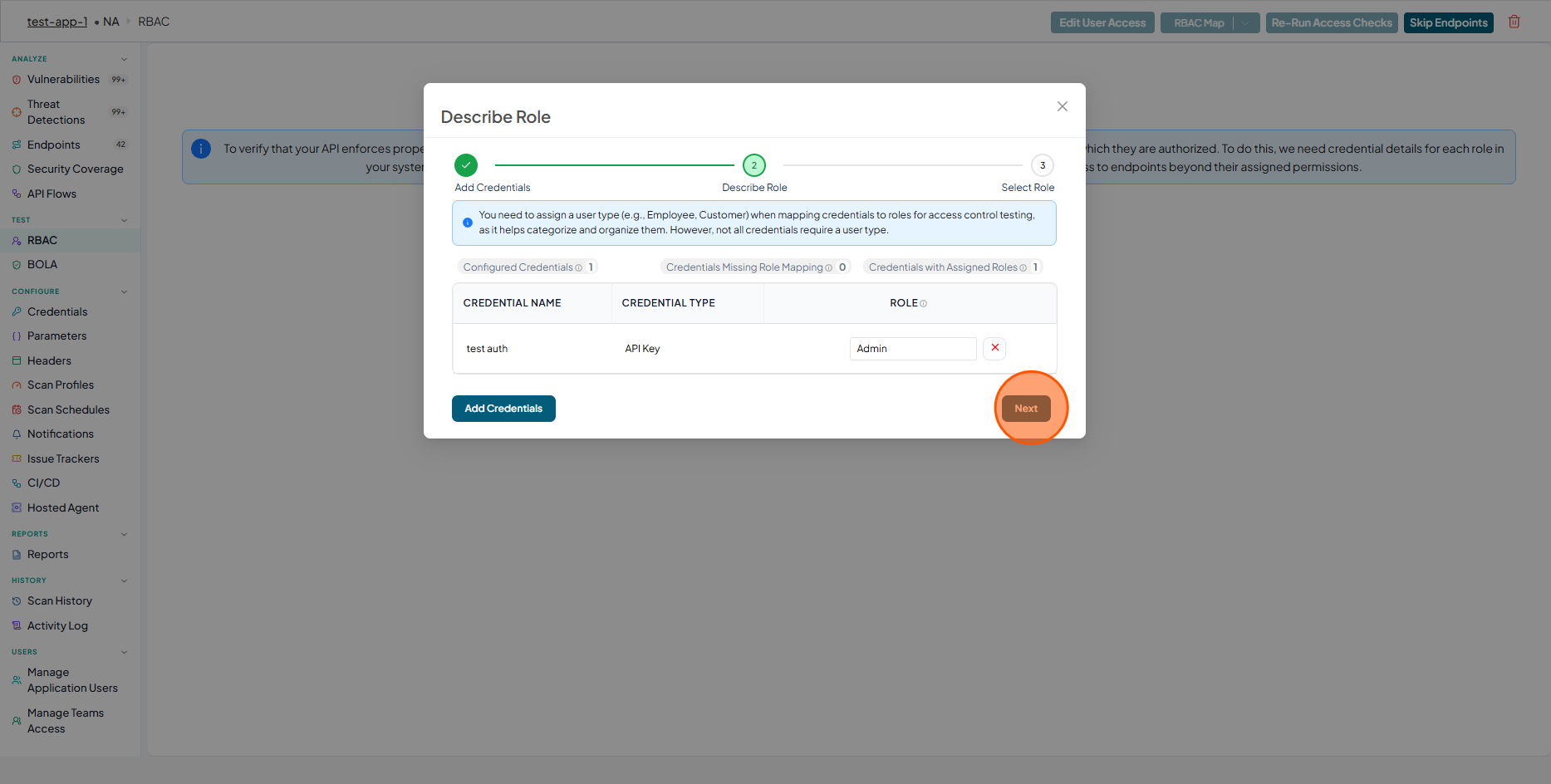
Now you will see a text You need to assign a user type (e.g., Employee, Customer) when mapping credentials to roles for access control testing, as it helps categorize and organize them. However, not all credentials require a user type.
- Enter a role for the existing credential, or click Add Credentials to create a new credential and assign a role.
- Click Next
-
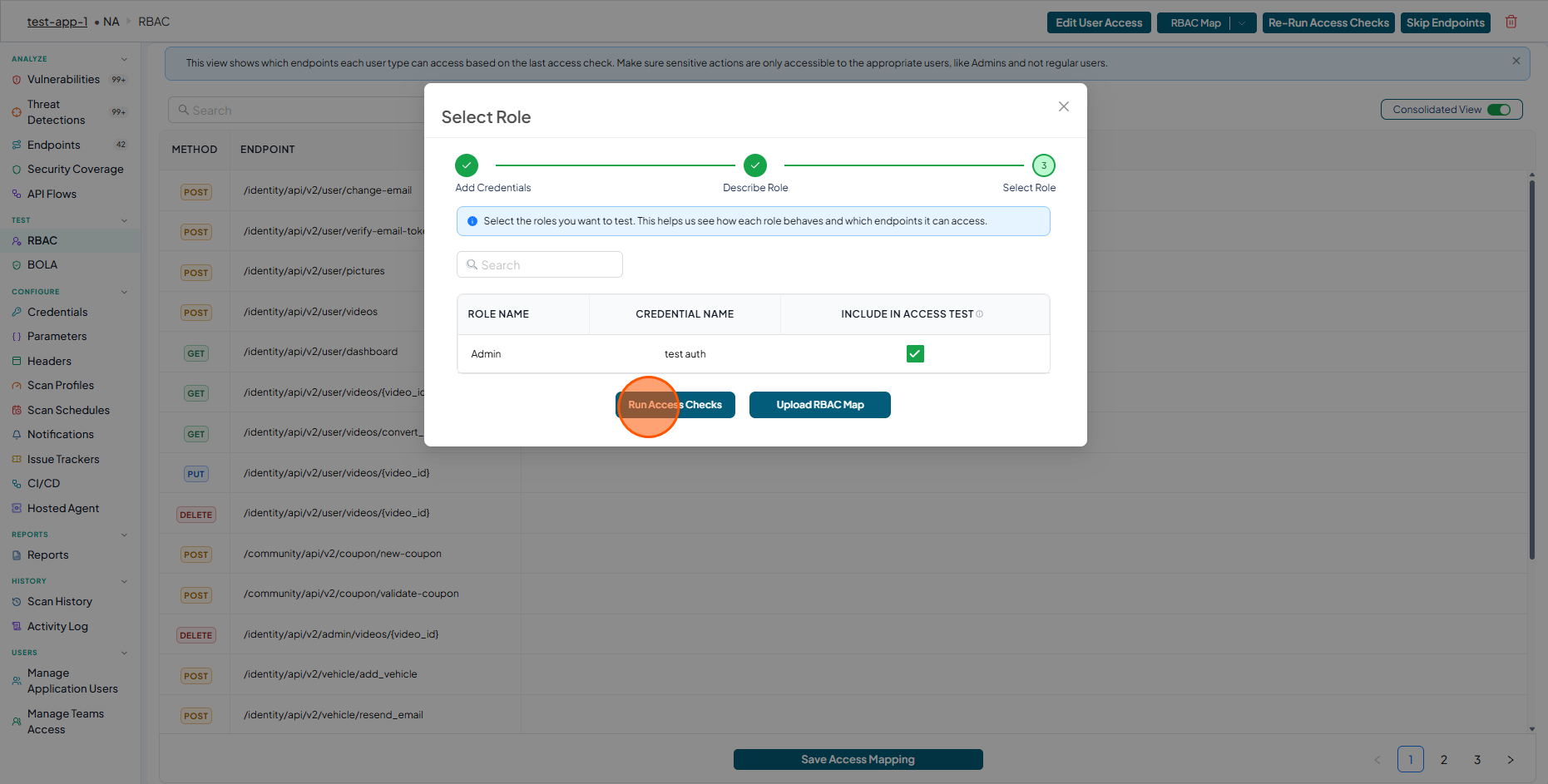
Select the Role and Click Run Access Checks.
-
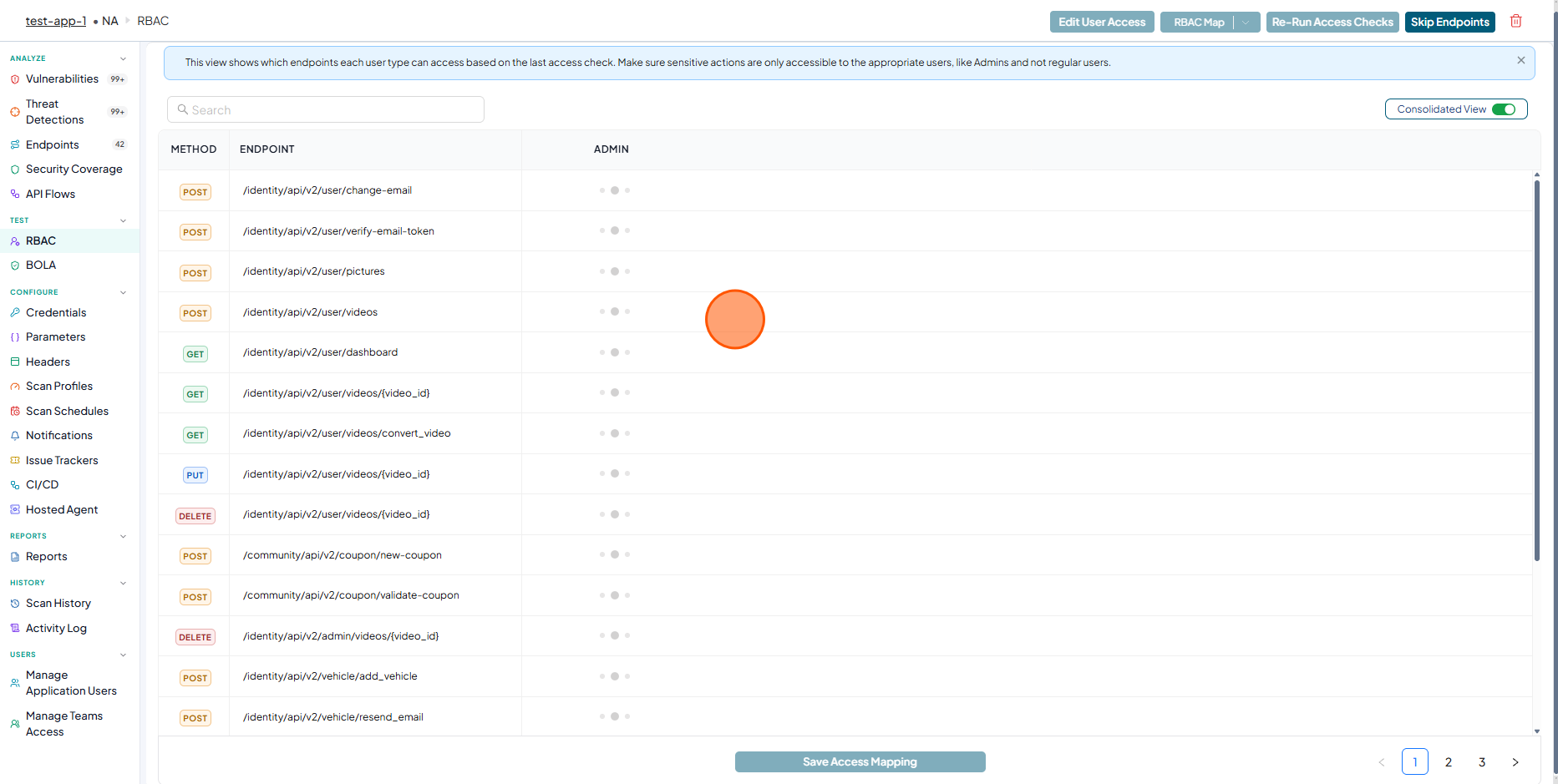
Wait until ednpoints are loaded.
-
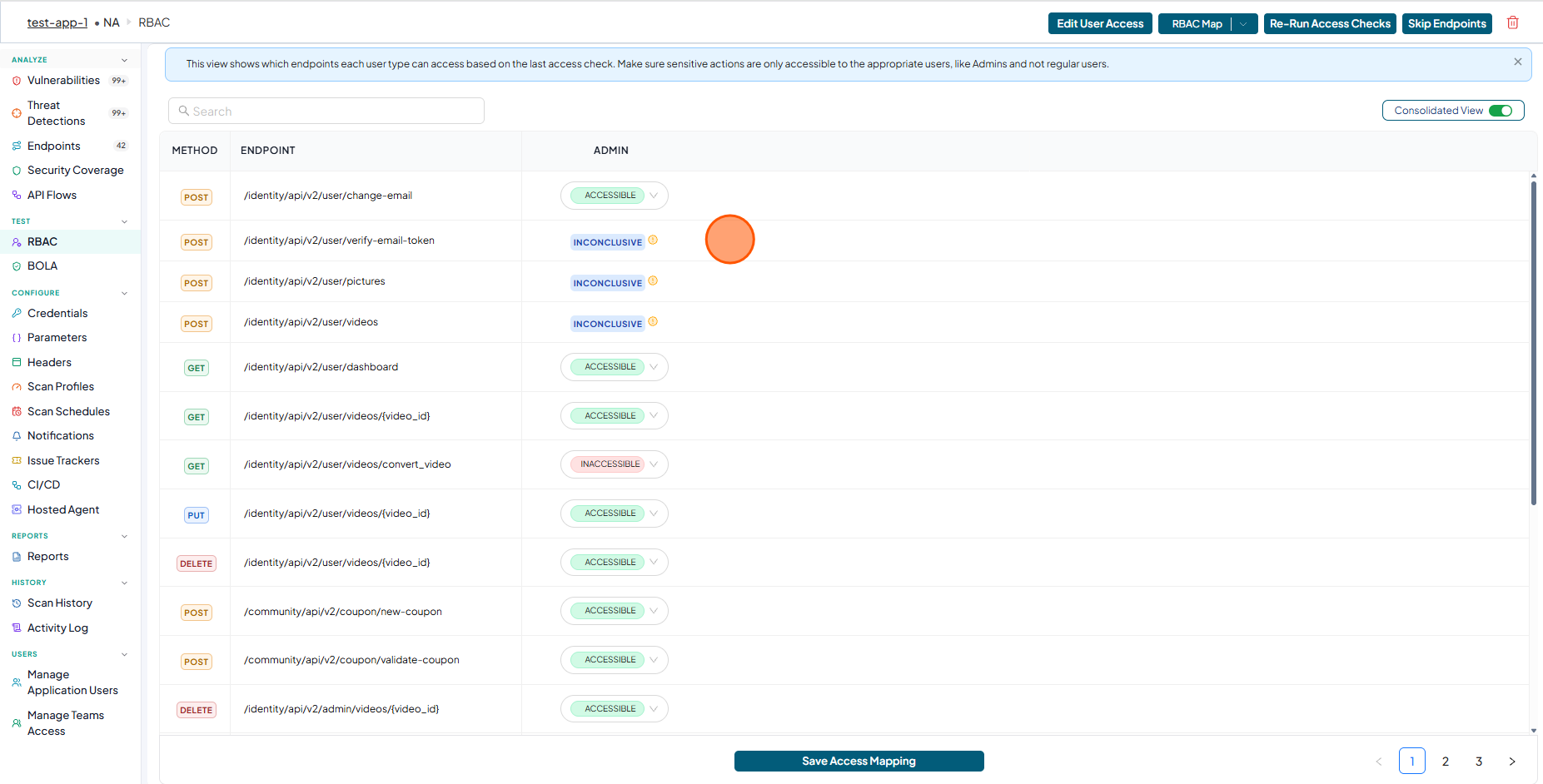
Endpoints with accessibility status for the selected role are displayed..
-
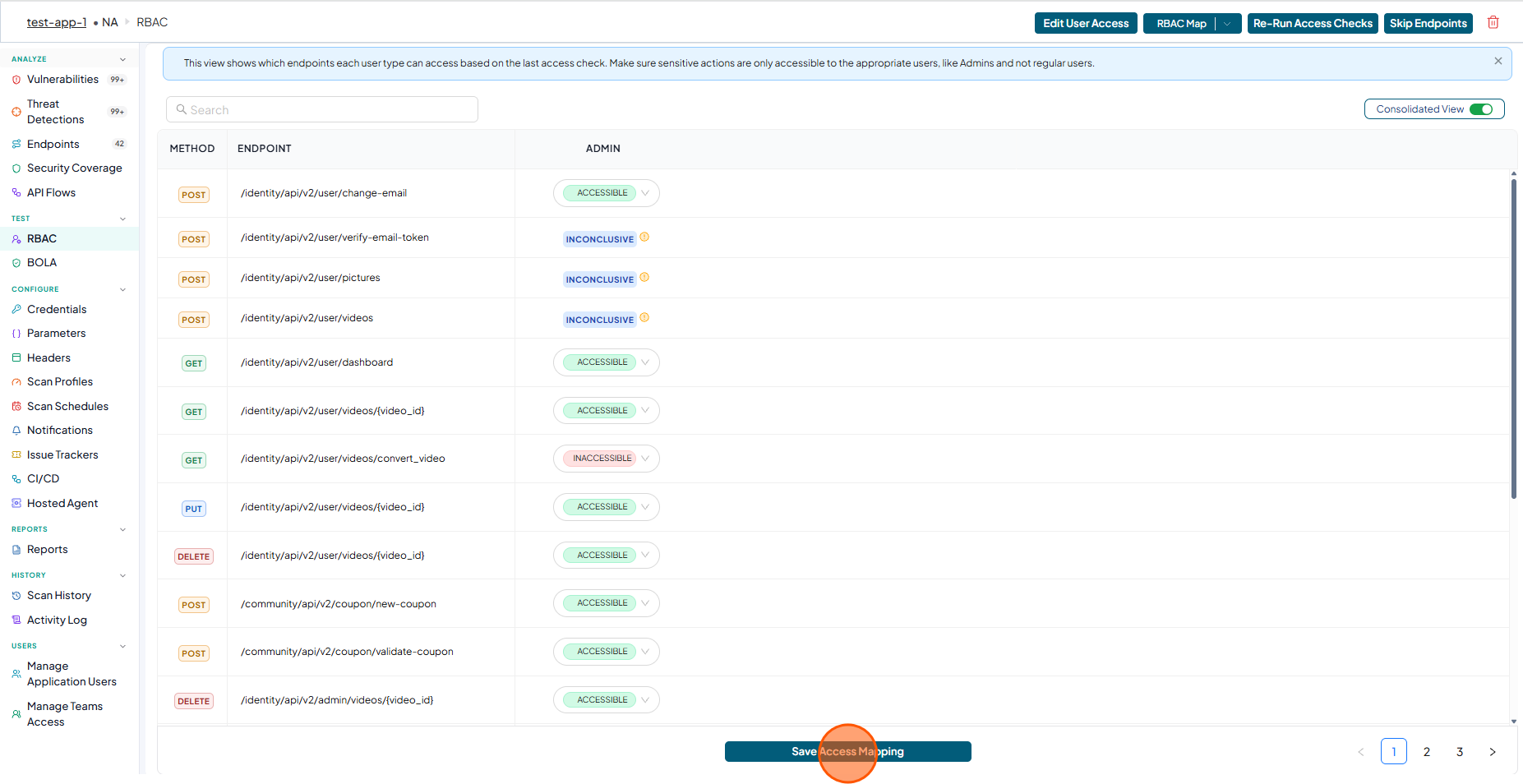
Click Save Access Mapping
-
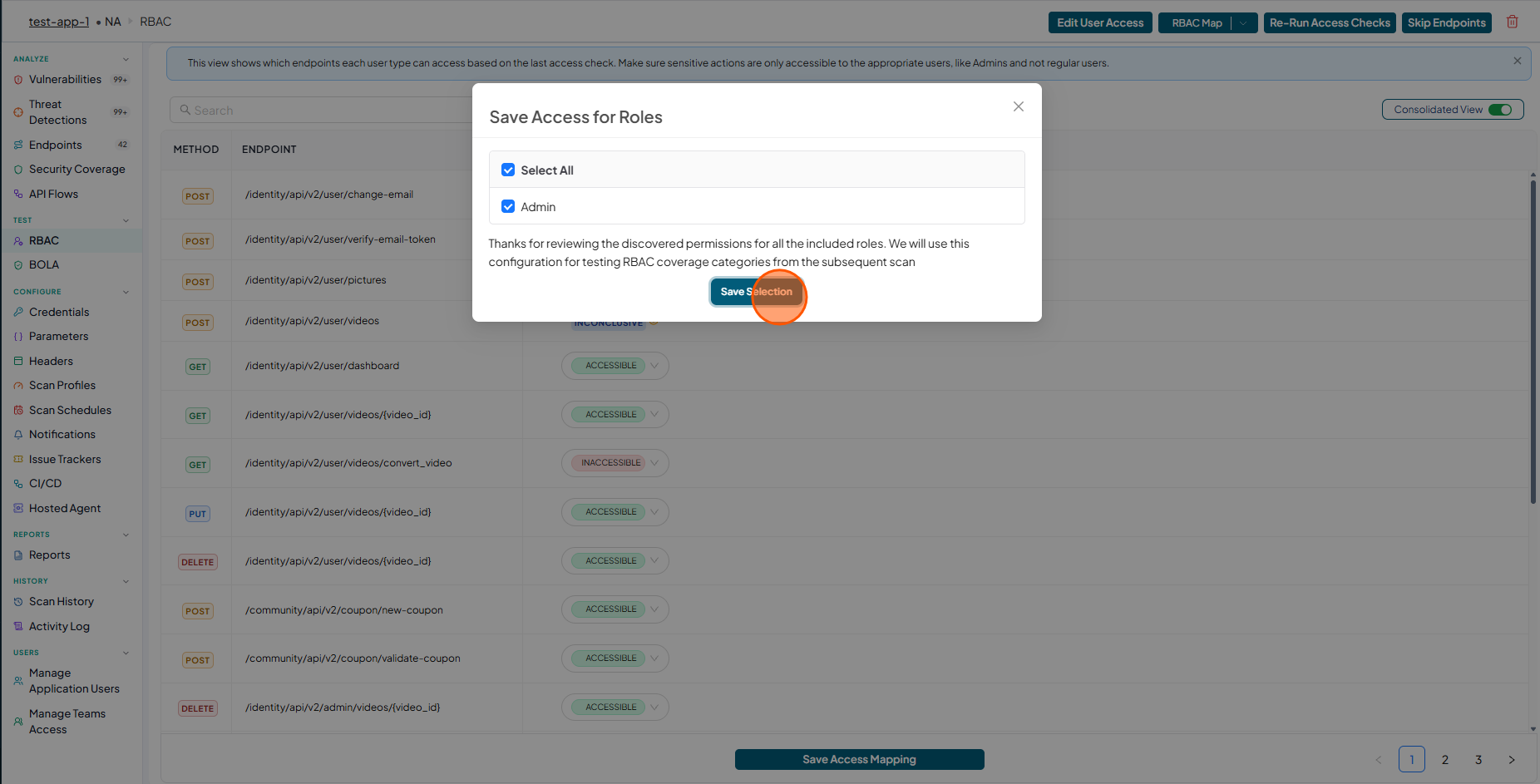
In the Save Access for Roles window, Select ROLE and click Save Selection button.
-
Now check the RBAC status indicator is displayed in green in the "APP Model"