Configure API Authentication
-
To configure API authentication,
-
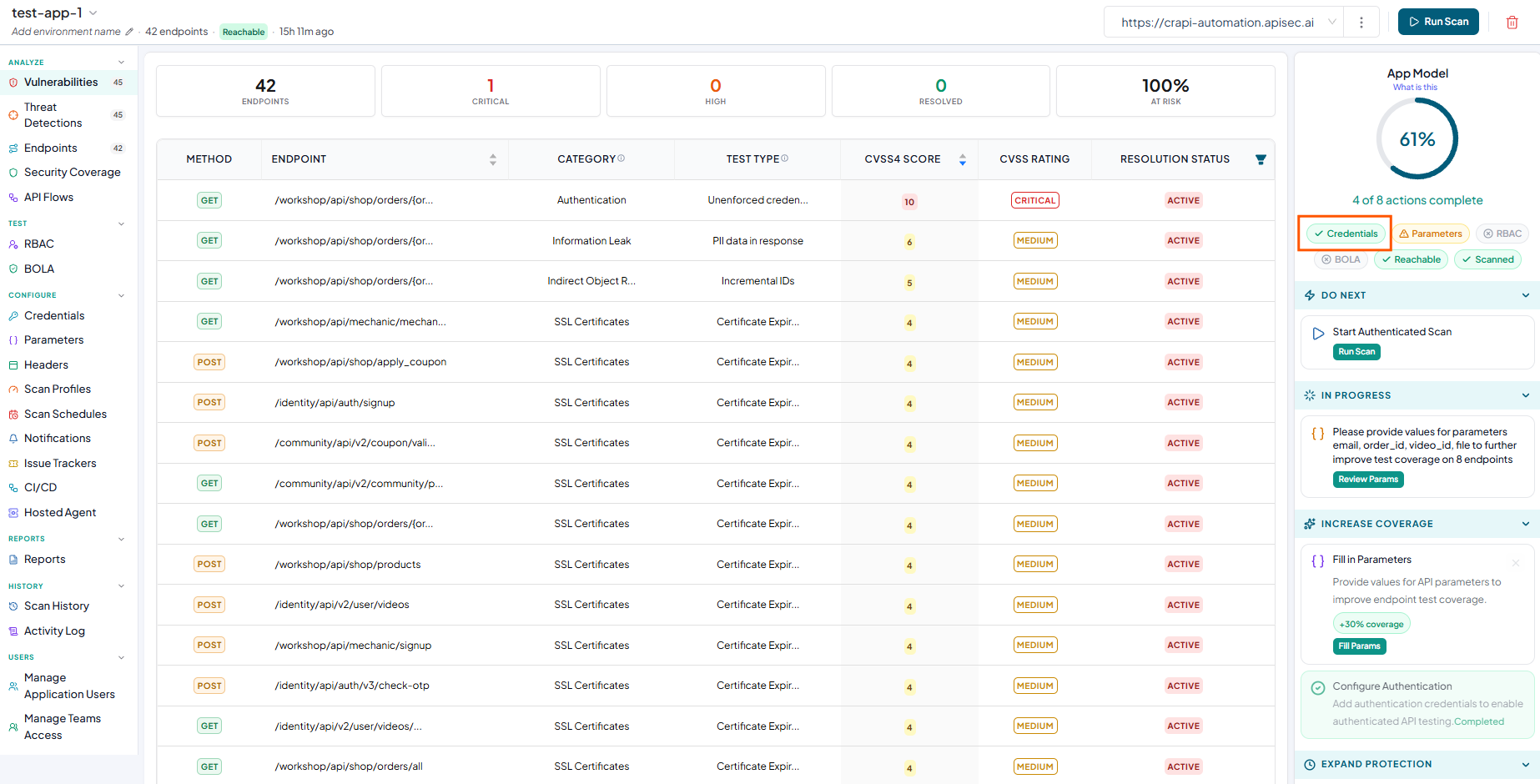
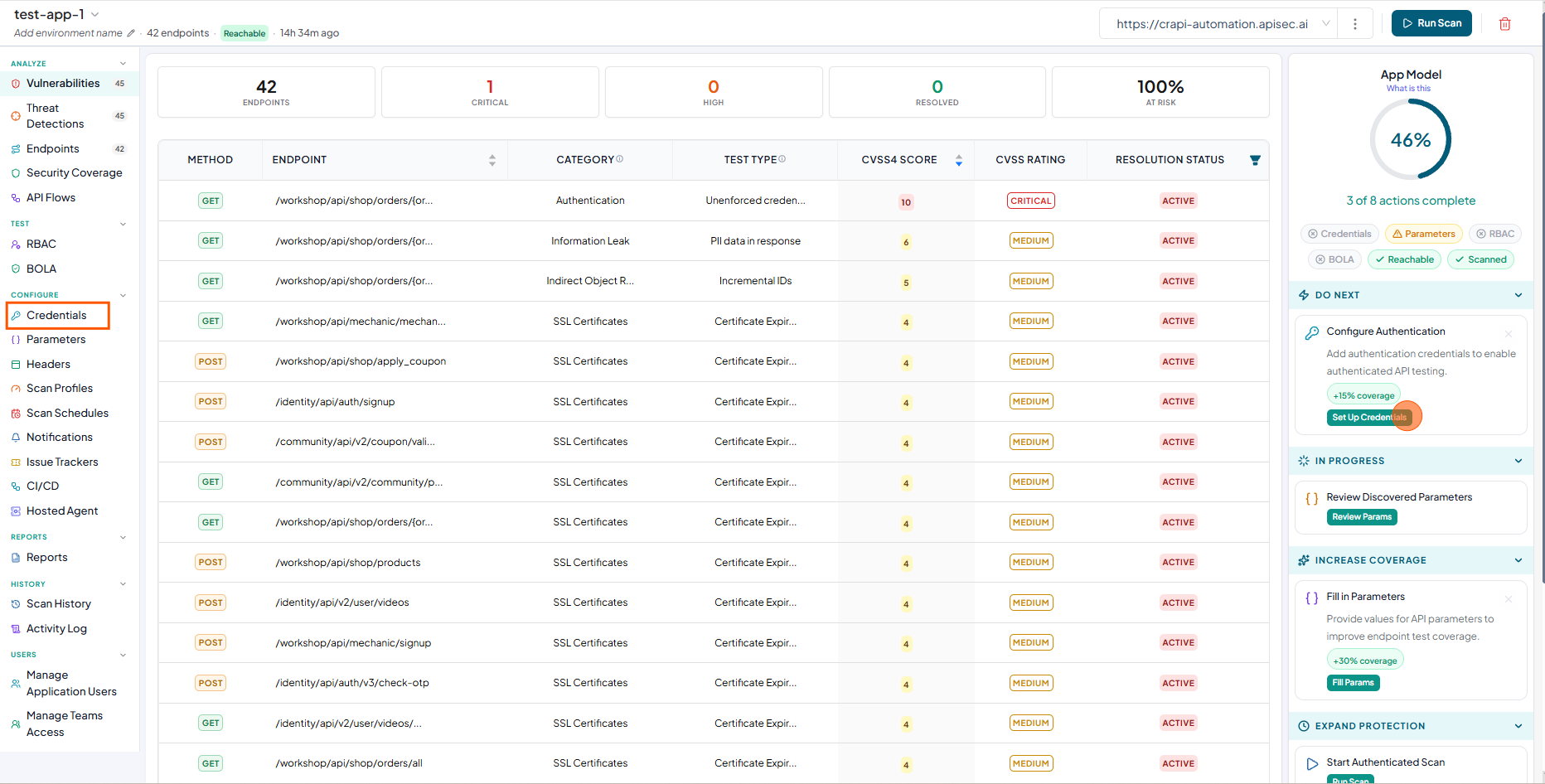
In the App Model, Check the Set Up Credentials or Click Credentials from sidebar
-
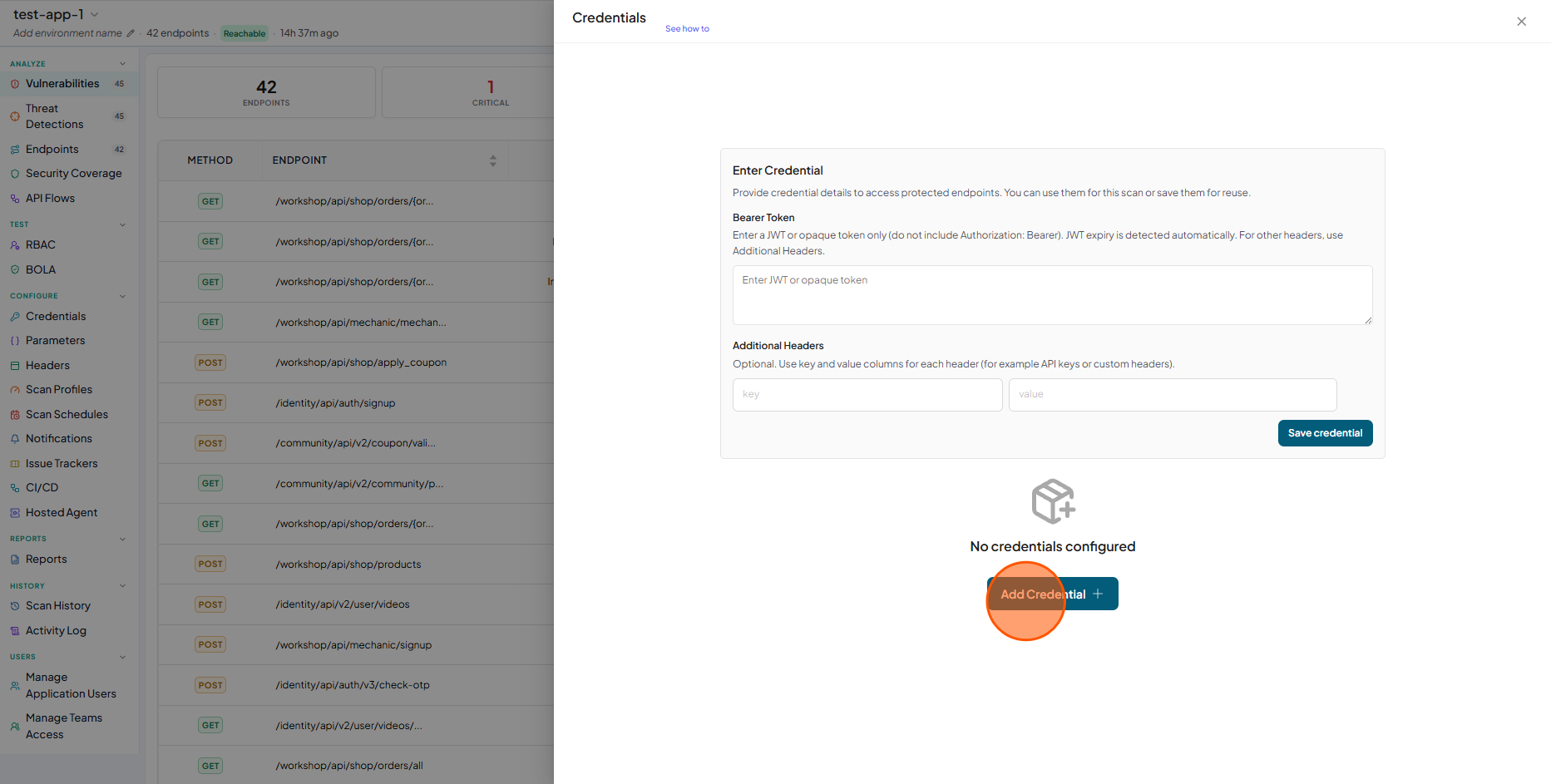
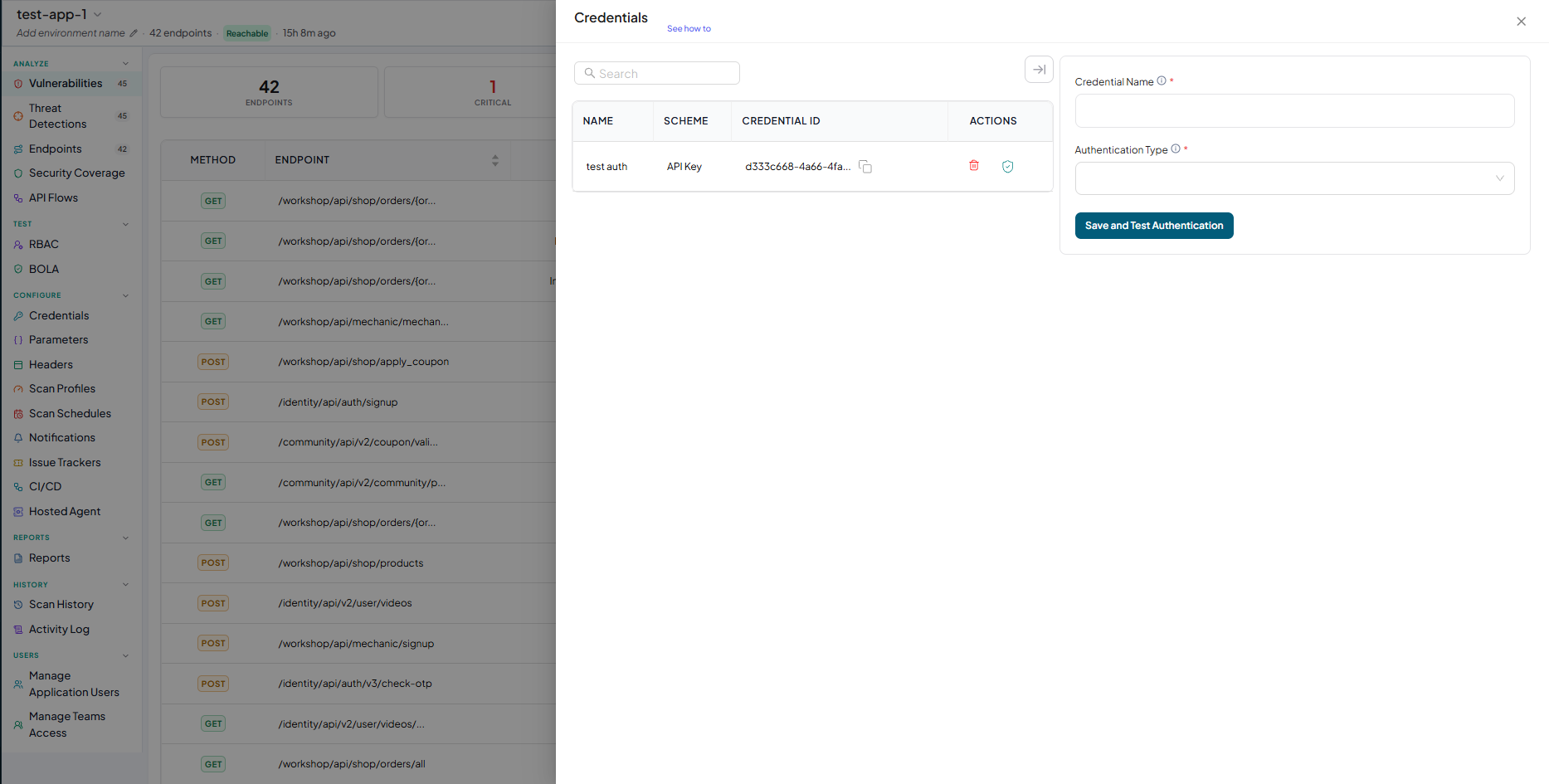
Now you will see Credentials window. In that window click on the Add Credentials
-
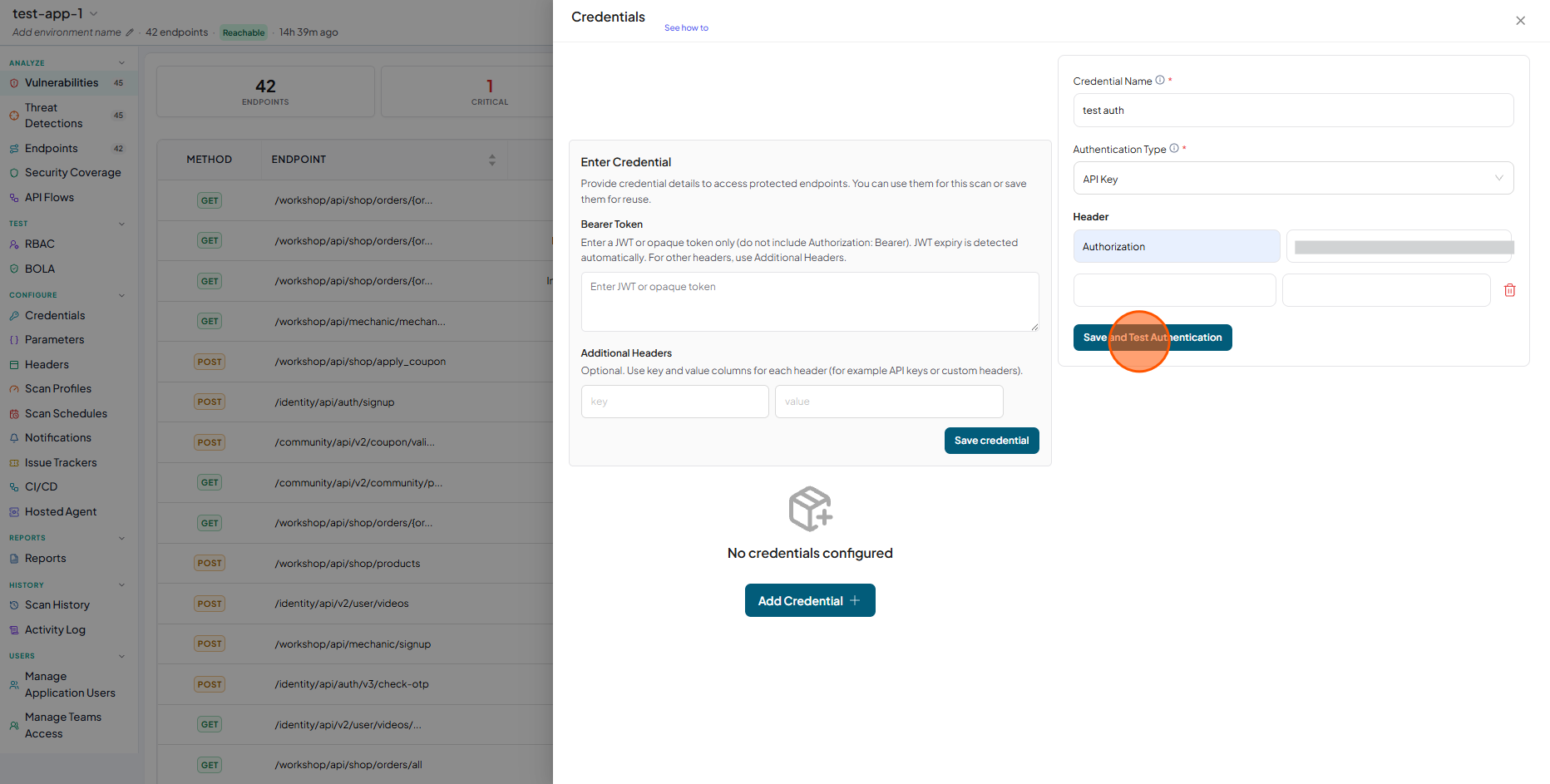
Now you fill the authentication form to create authentication and click on Save and Test Authentication.
-
Now you will see authentication details.
-
Now check the Credential status indicator is displayed in green in the APP Model