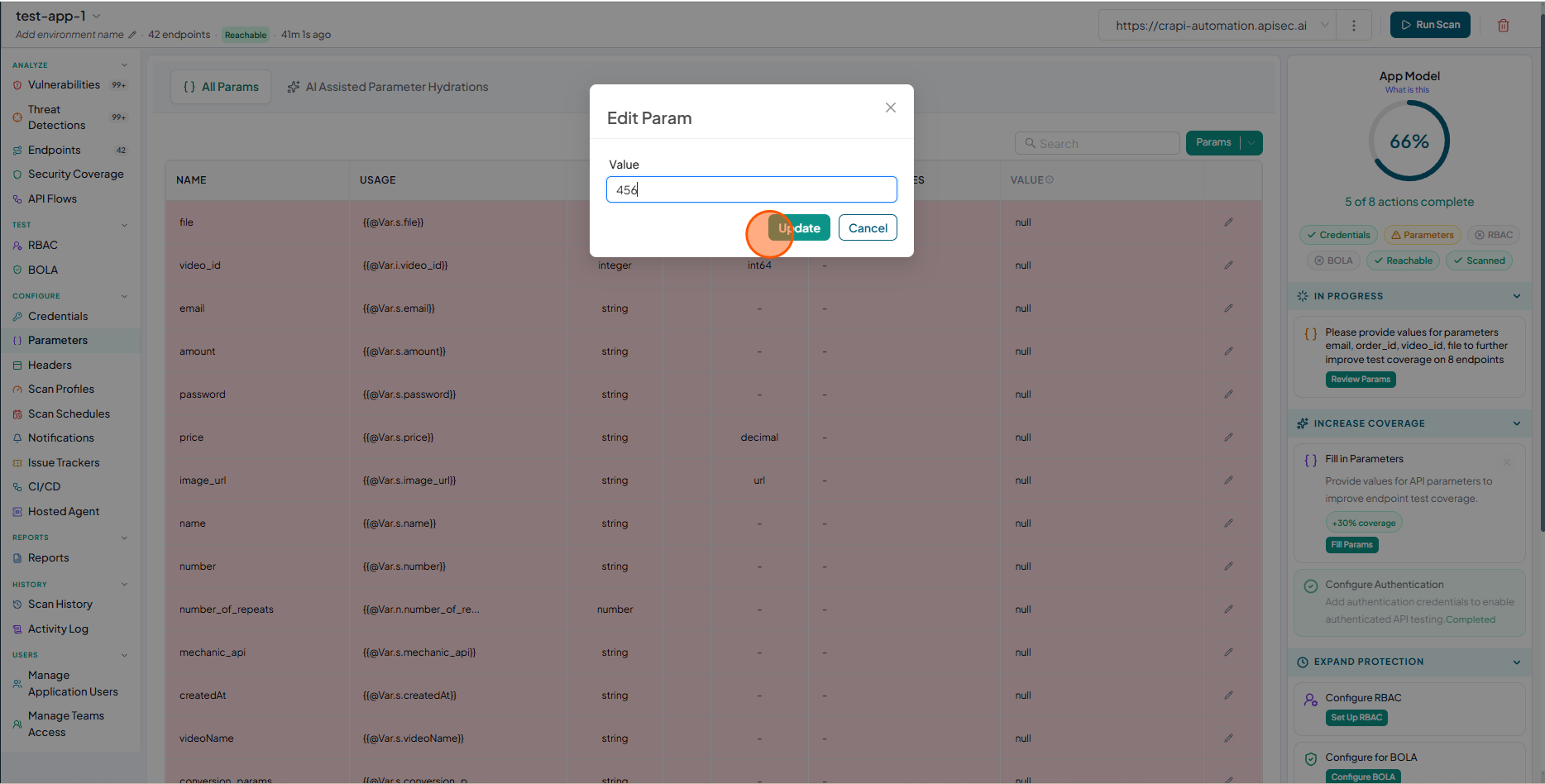
Adding Parameter Values
APIsec inventories all parameters across all of your endpoints. Then, APIsec populates as many values as it can find in the API Specification, API Gateway, or from other API endpoints. However, some parameters require the user to provide specific values in order for the request to succeed. Simply define parameter values on this centralized configuration page and APIsec will automatically update the payloads for all of the relevant endpoints.
-
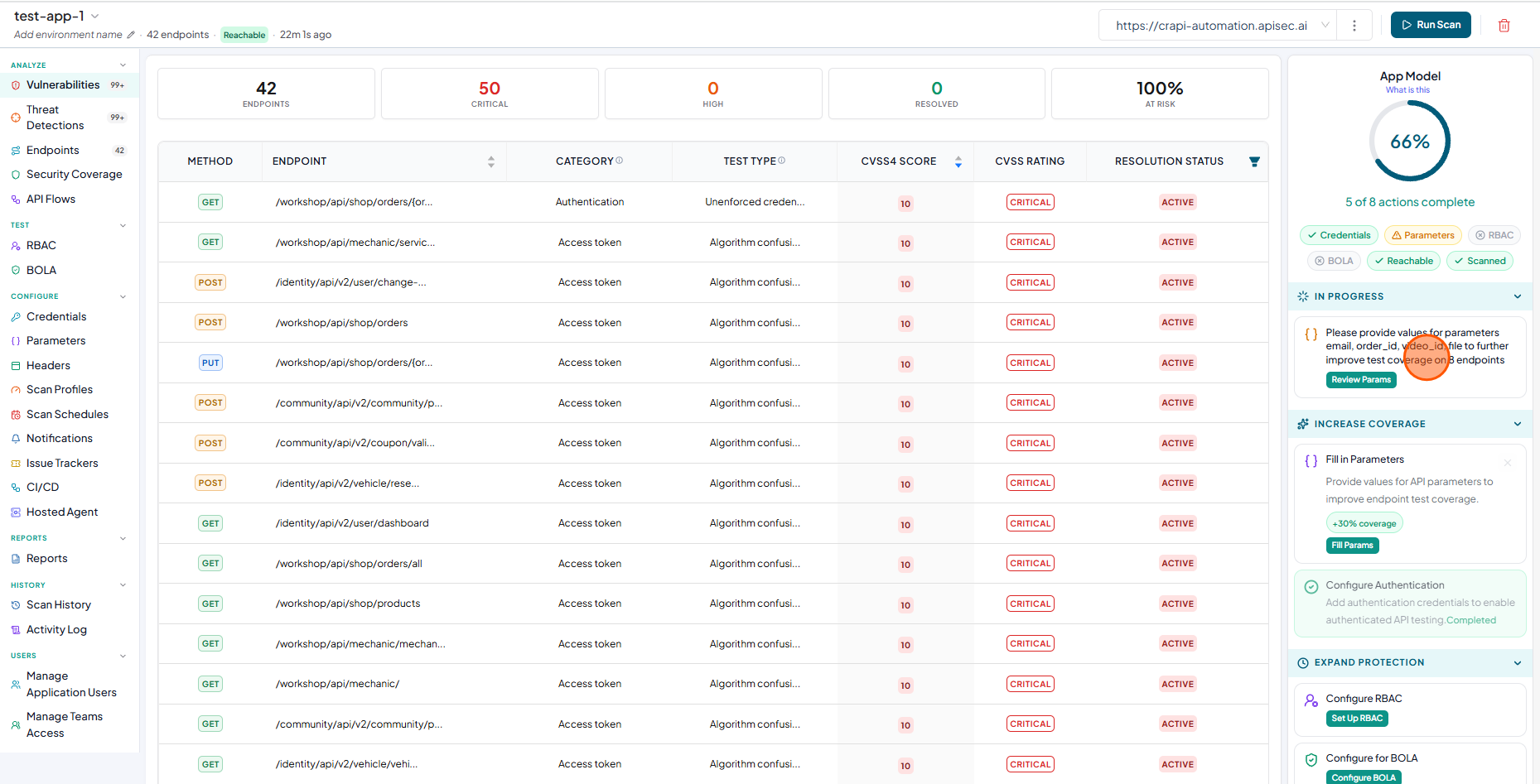
Based on the your API document, you need to add parameter values.
-
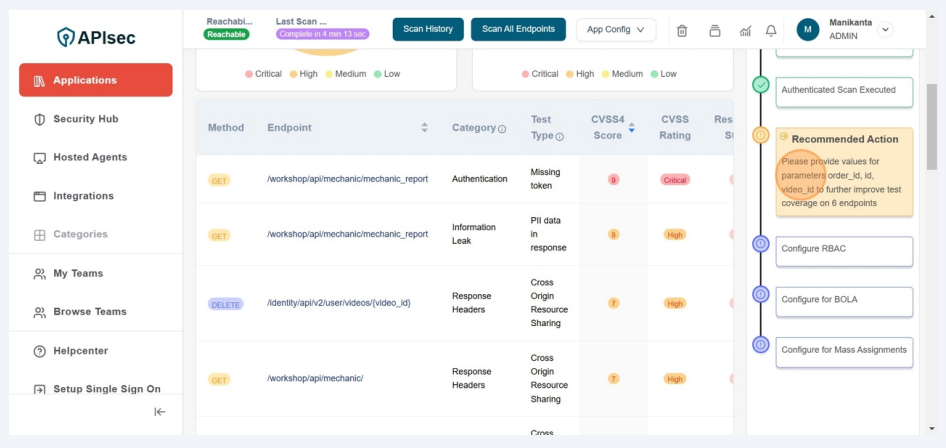
To add parameter values, click Fill Params in the App Model or select Parameters from the sidebar.
-
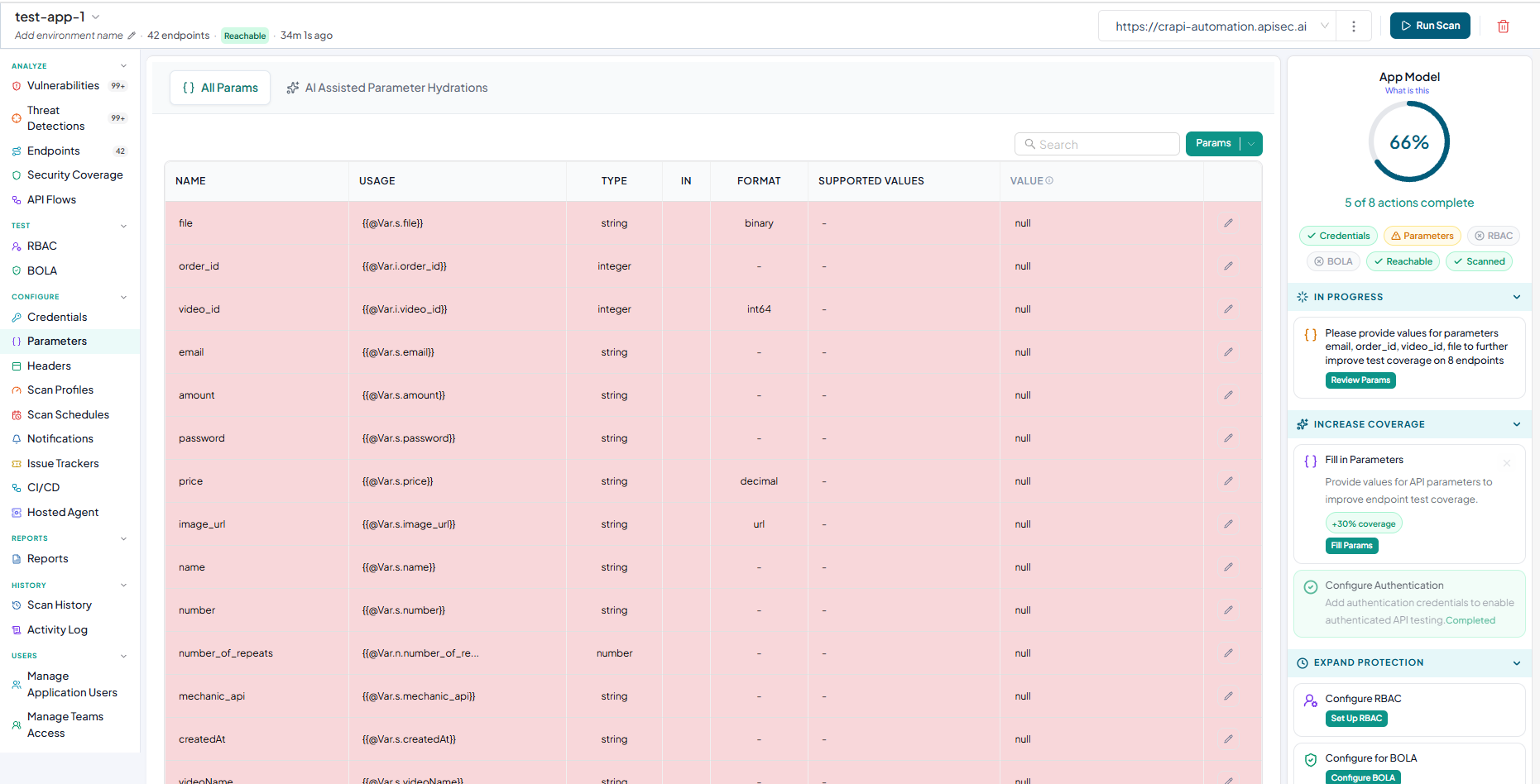
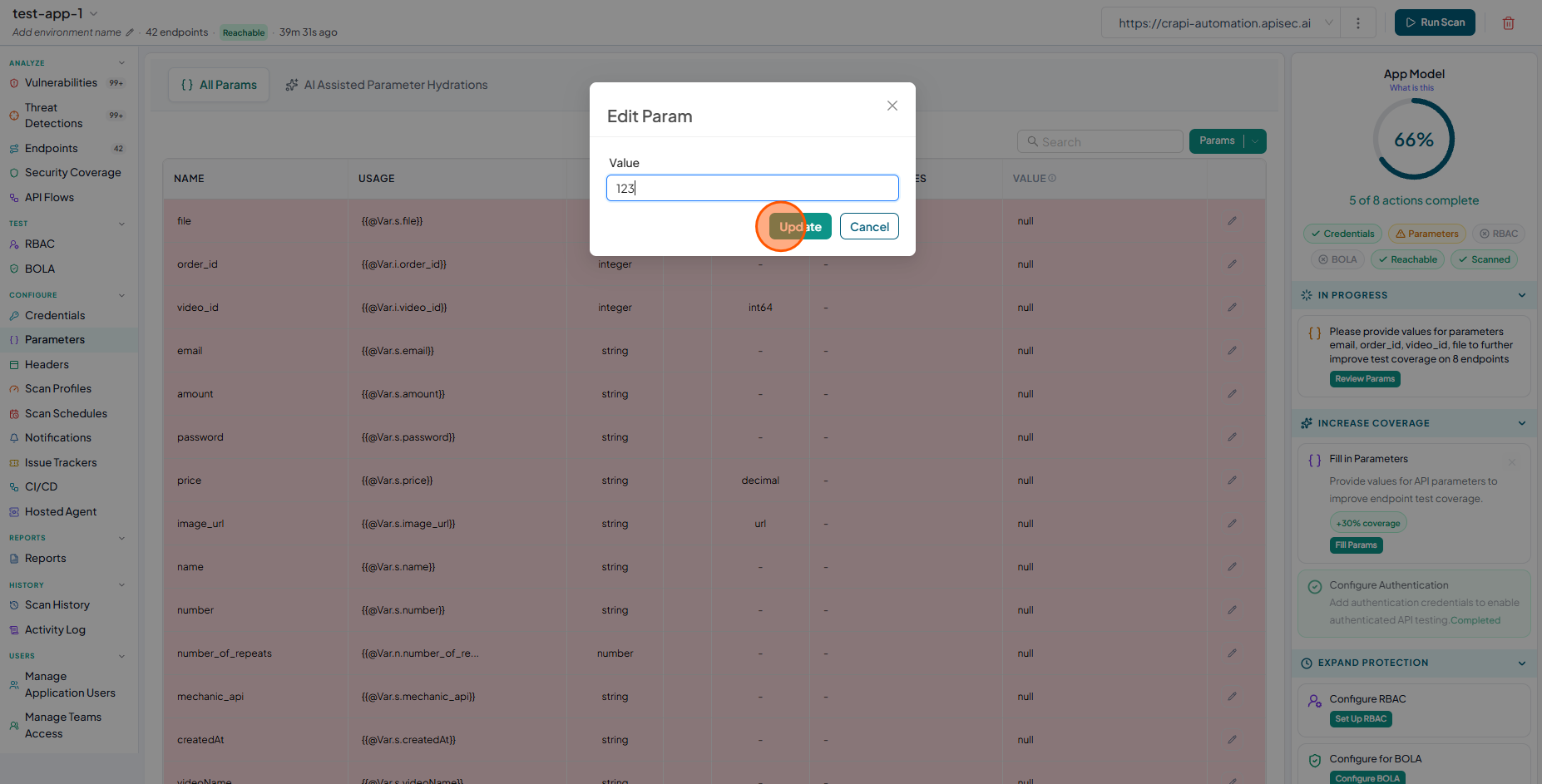
The Parameters Configuration table is displayed with highlighted rows requiring parameter values.
-
To update a parameter value, click the edit icon for the required parameter and enter the value and Click Update .
-
Do the same process for other required parameters also.