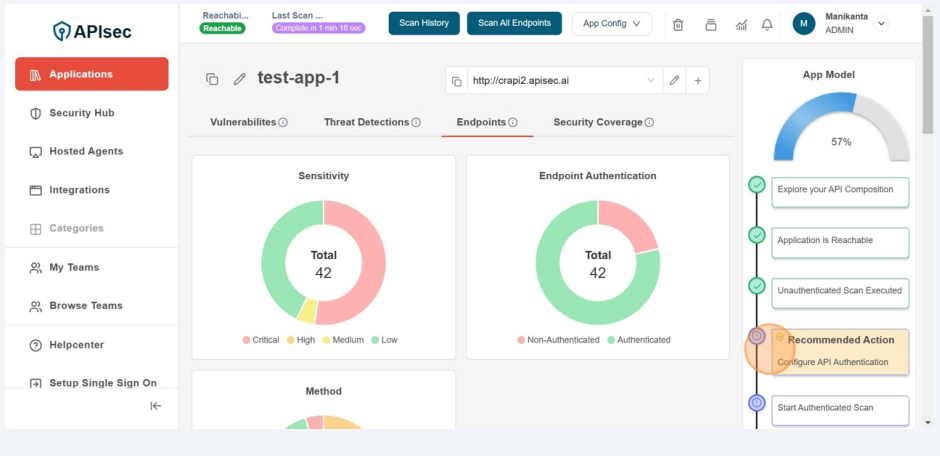
Unauthenticated scan execution
-
To execute the Unauthenticated scan,
-
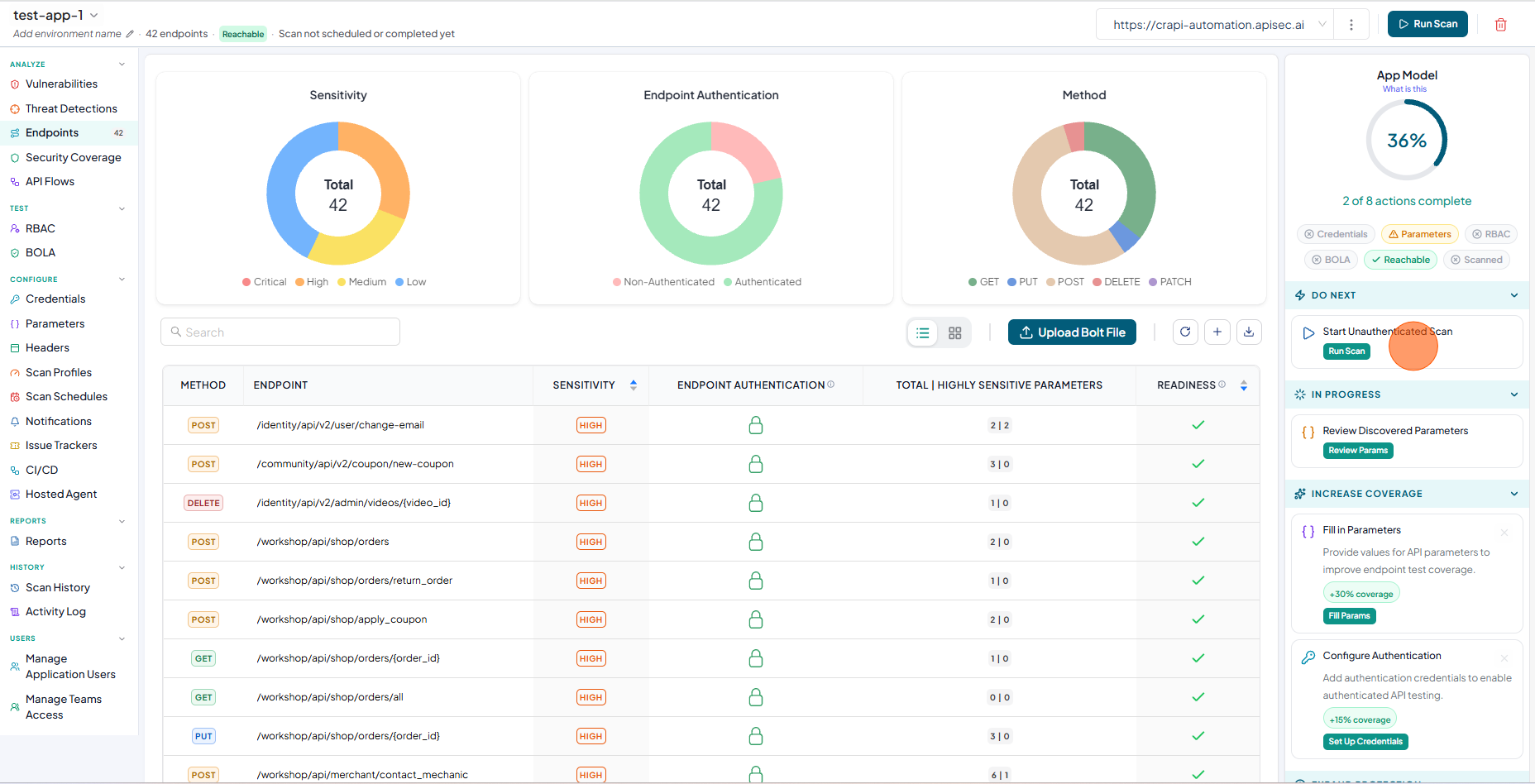
In the App Model, Check the Start Unauthenticated Scan" in DO NEXT section
-
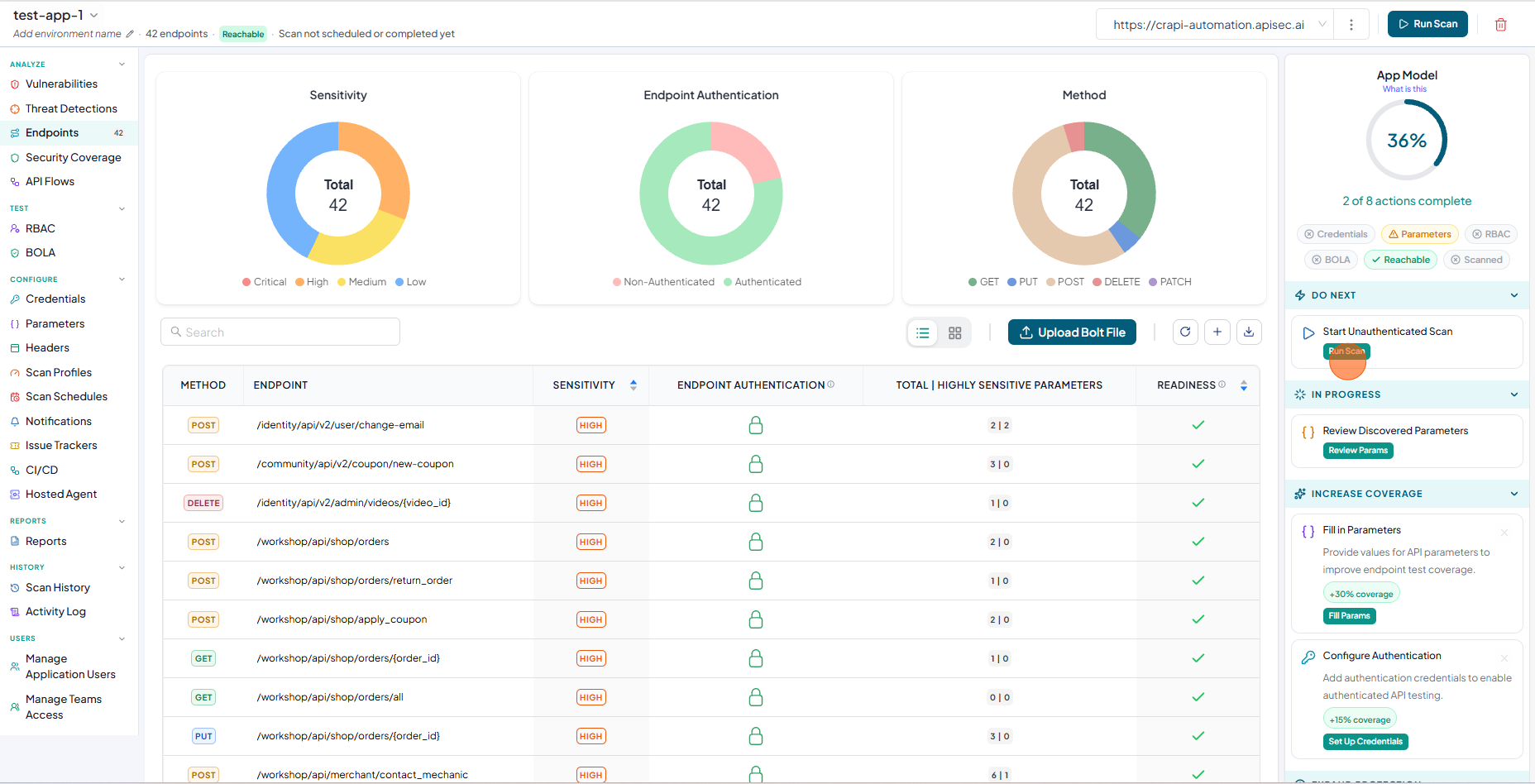
Click on the Run Scan to start unauthenticated scan.
-
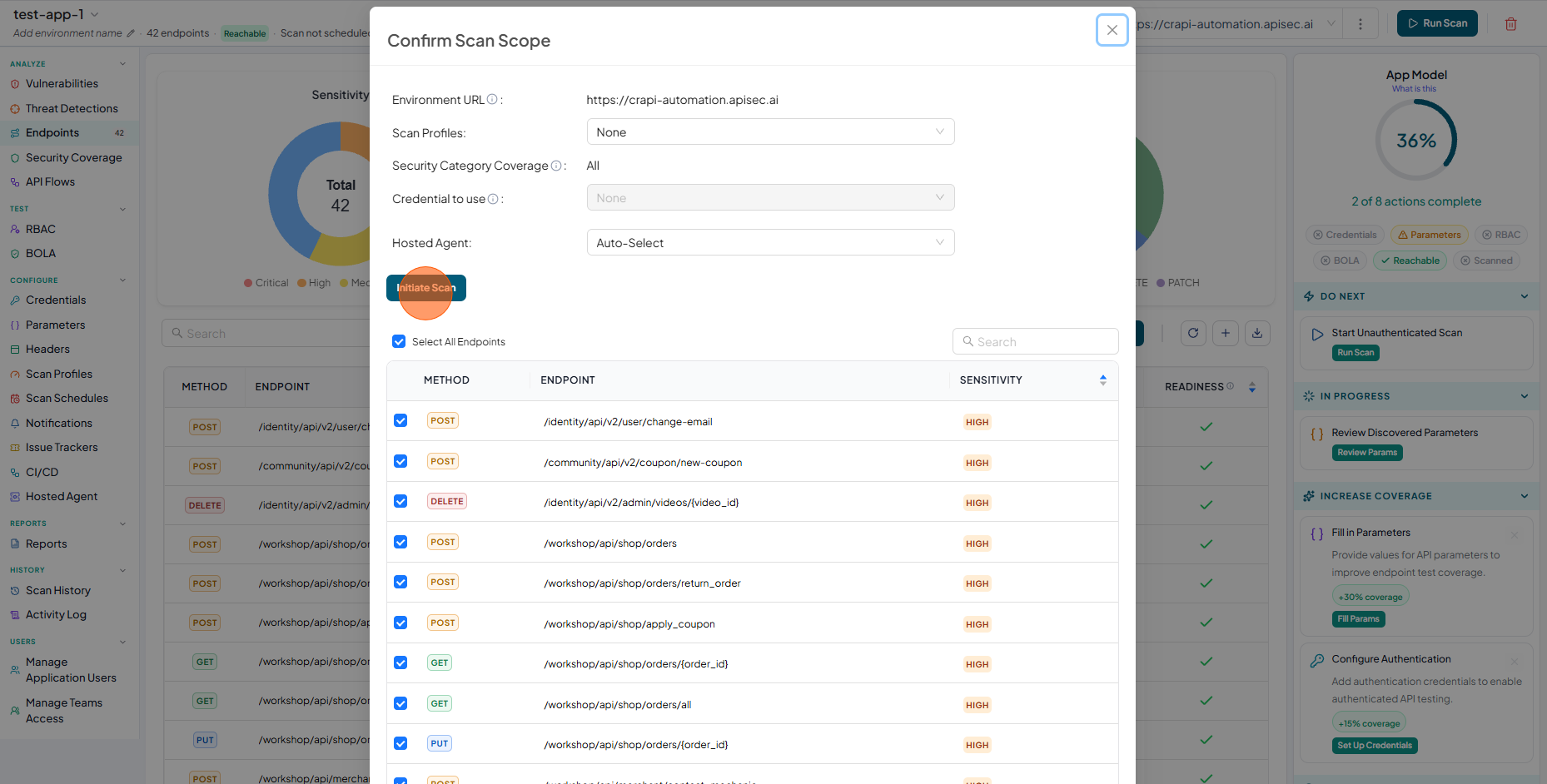
Now you will see "Confirm Scan Scope" window. In that window click on the "Initiate Scan" button to start the unauthenticated scan.
-
Here you can select all endpoints or few endpoints to execute the scan.
-
Now you will see the scan progress bar on the window
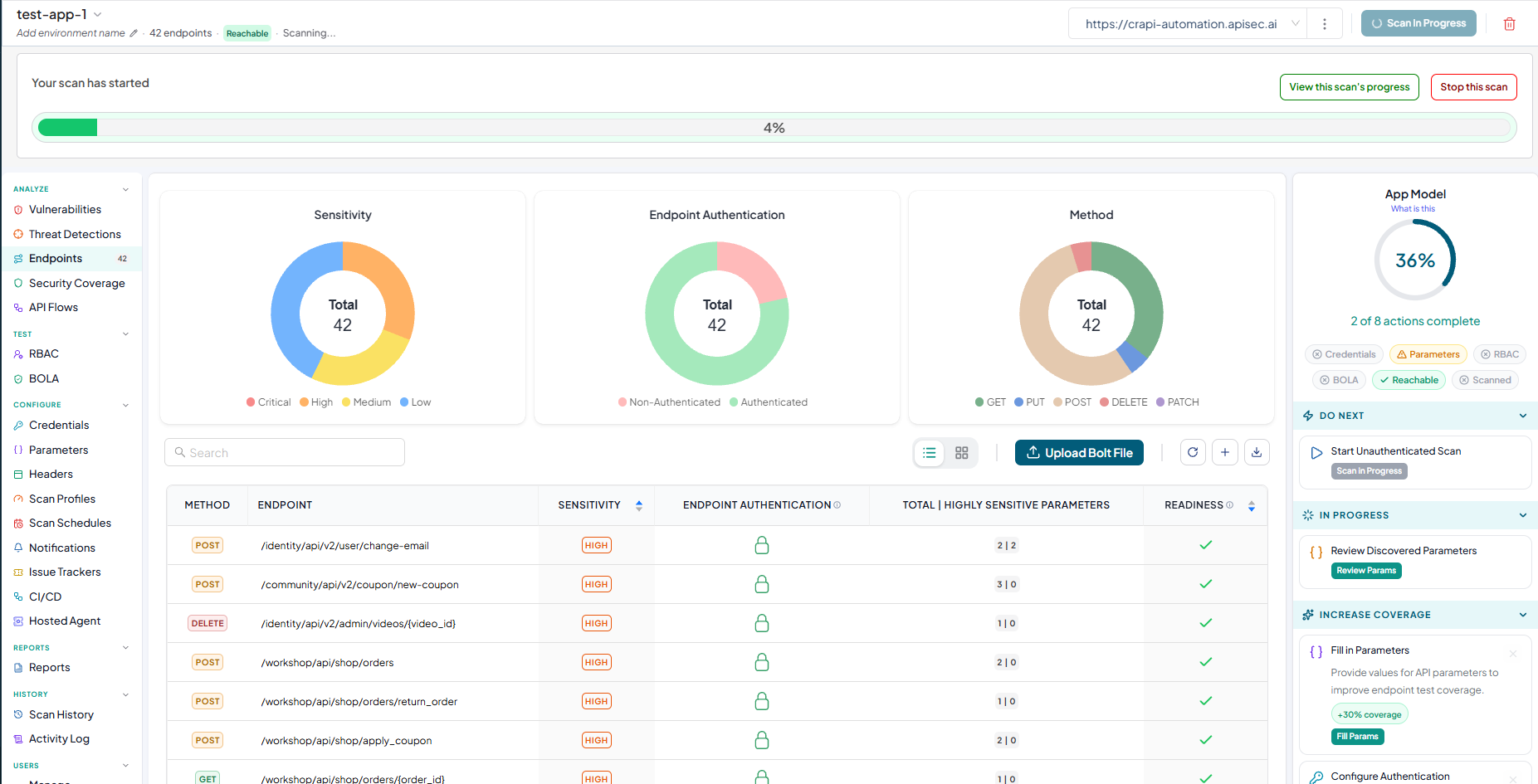
-
A scan completion notification is displayed after the scan completes.
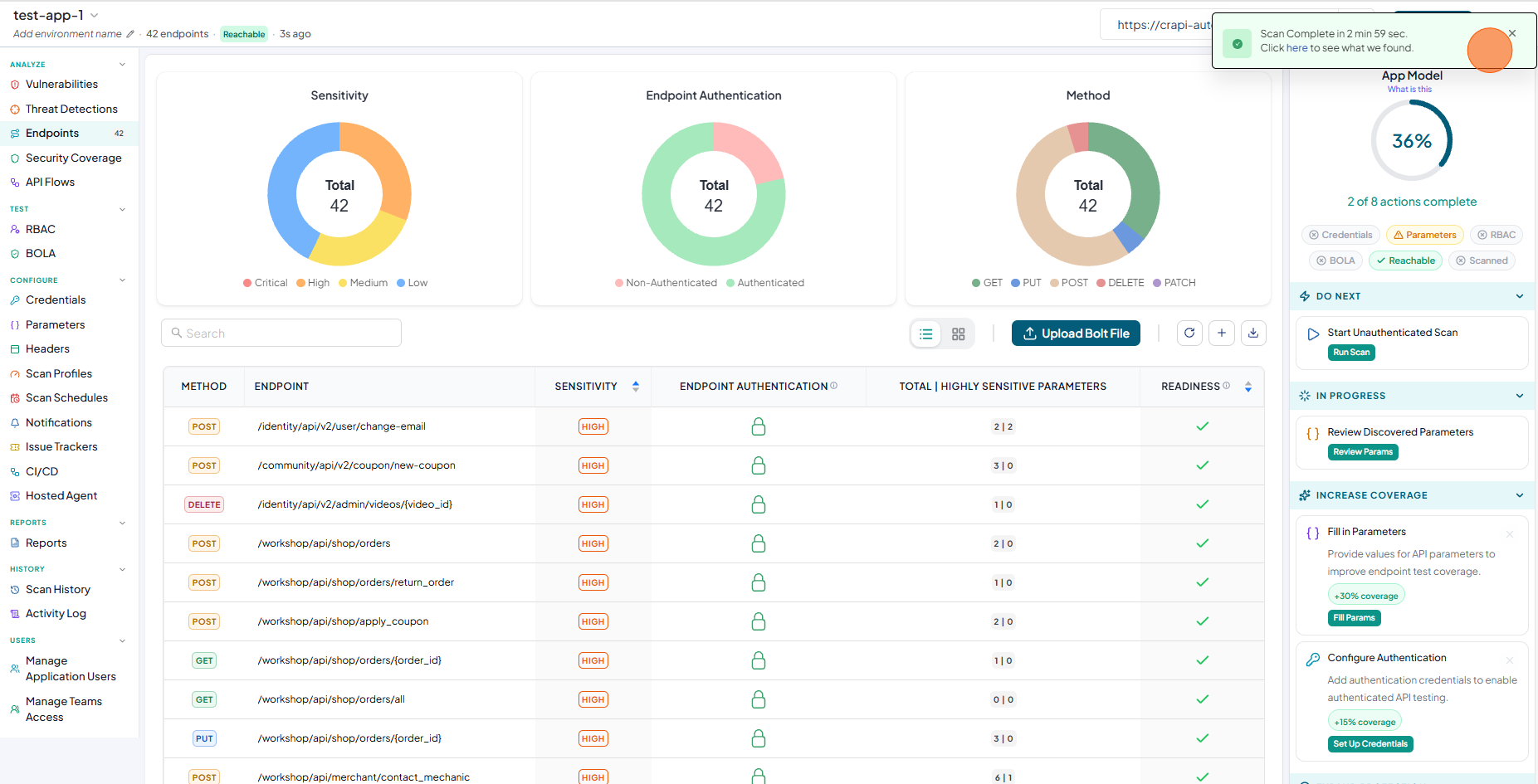
-
Now check the Scanned status indicator is displayed in green in the "APP Model"