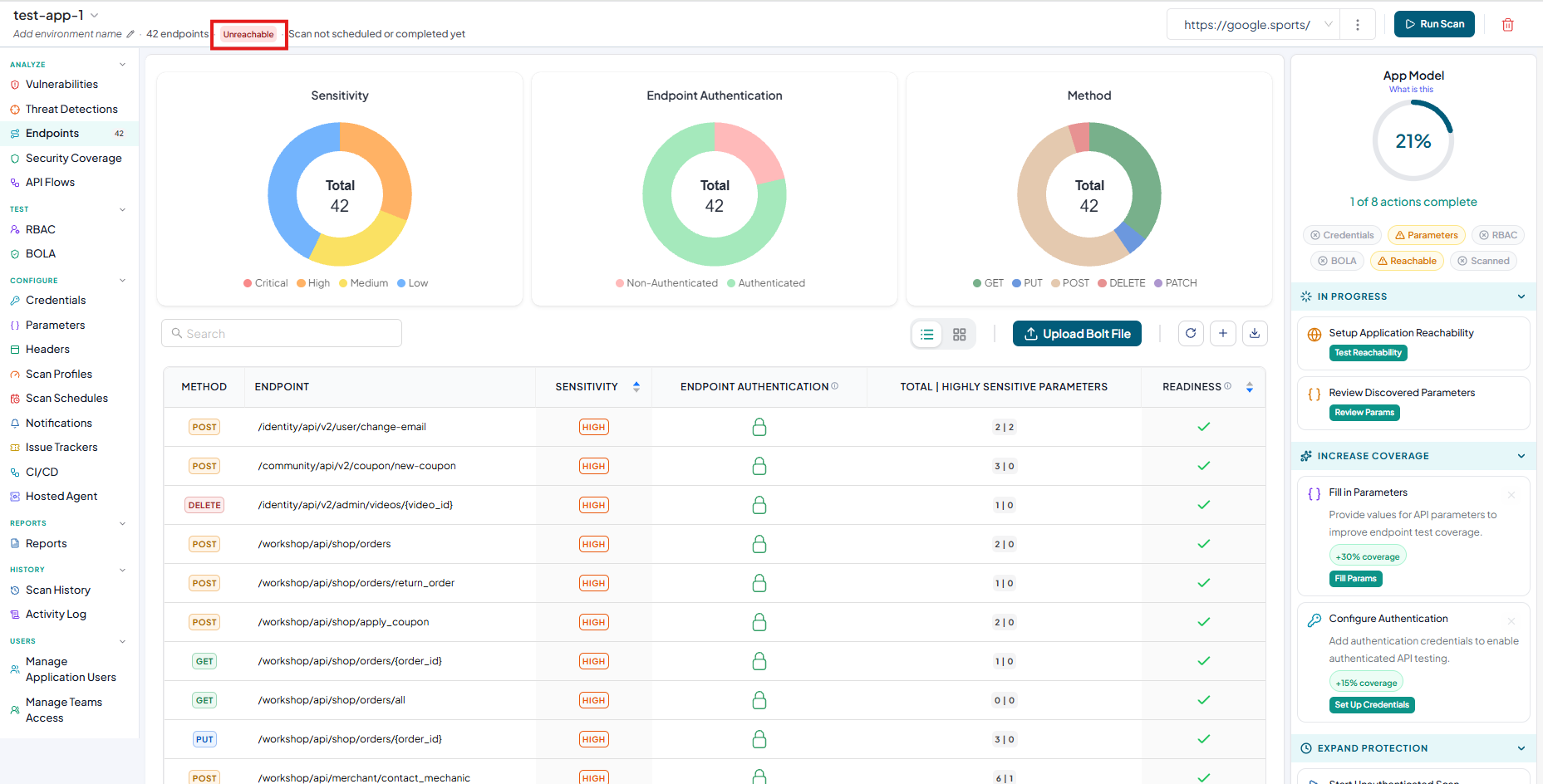
Creating An Application Without Instance URL
Navigate to URL
Open your browser and visit: https://<your-tenant>.apisecapps.com
Start Adding a New Application
-
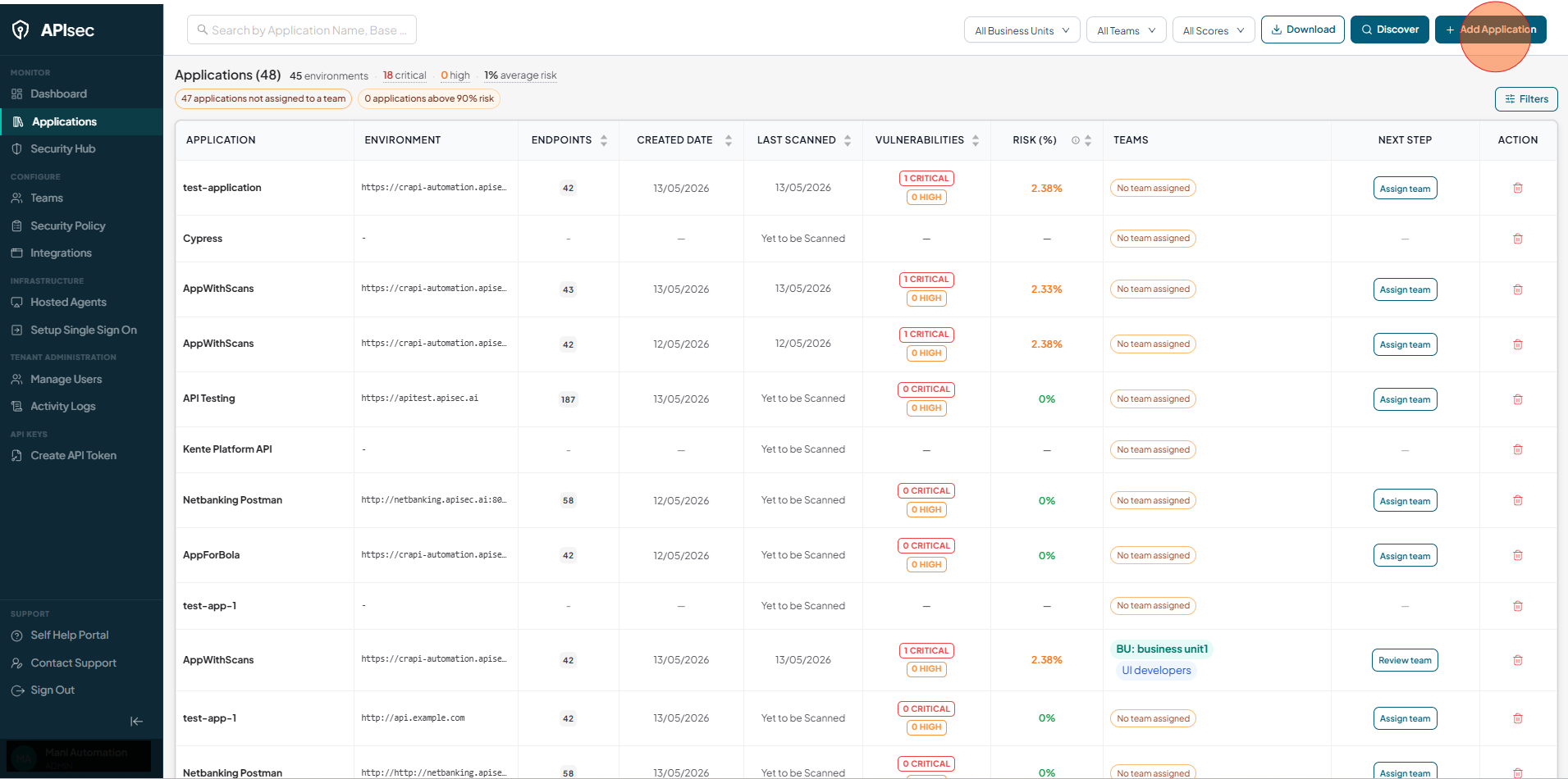
Click on the "Add Application" button.
-
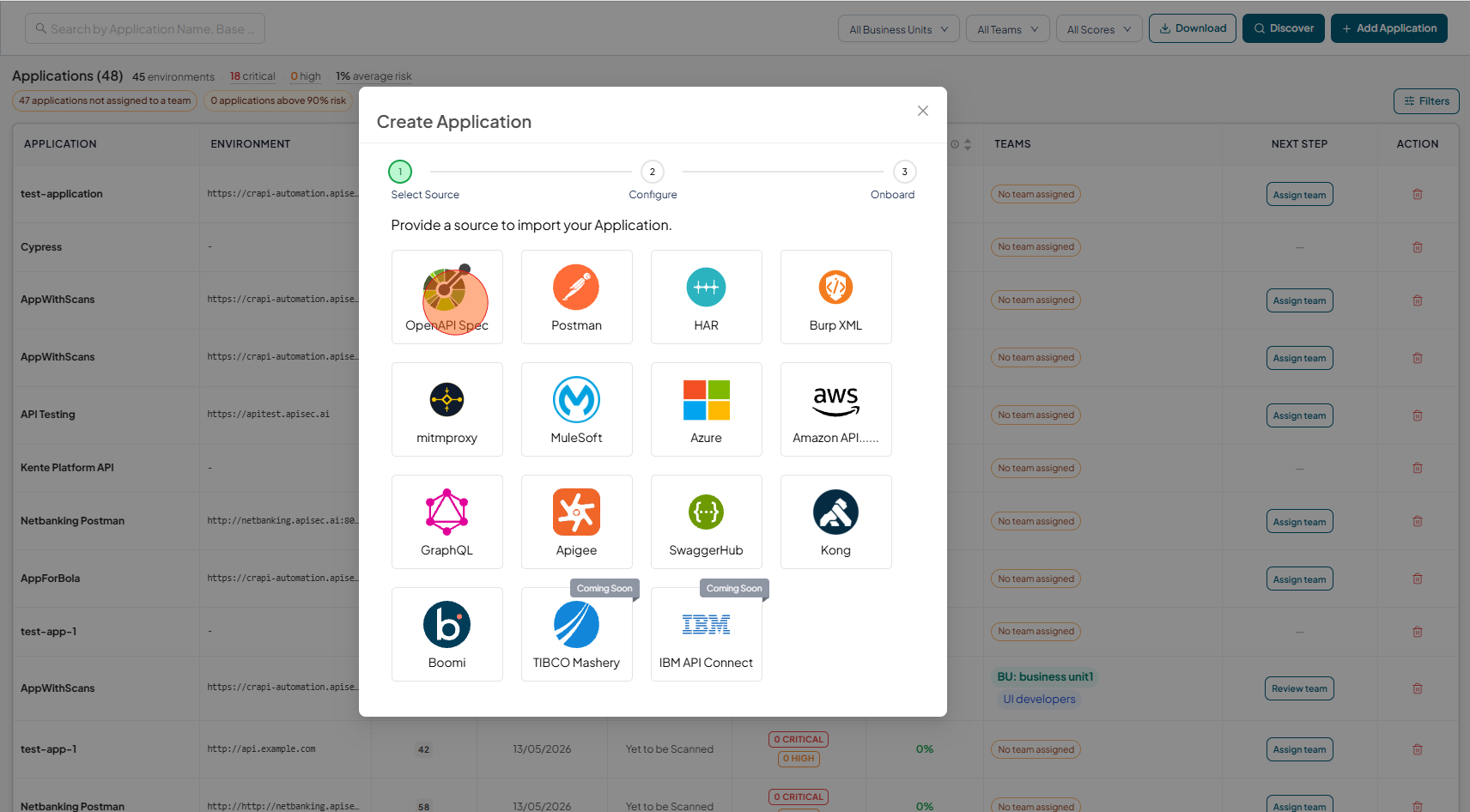
Choose the "OpenAPI Spec" option.
-
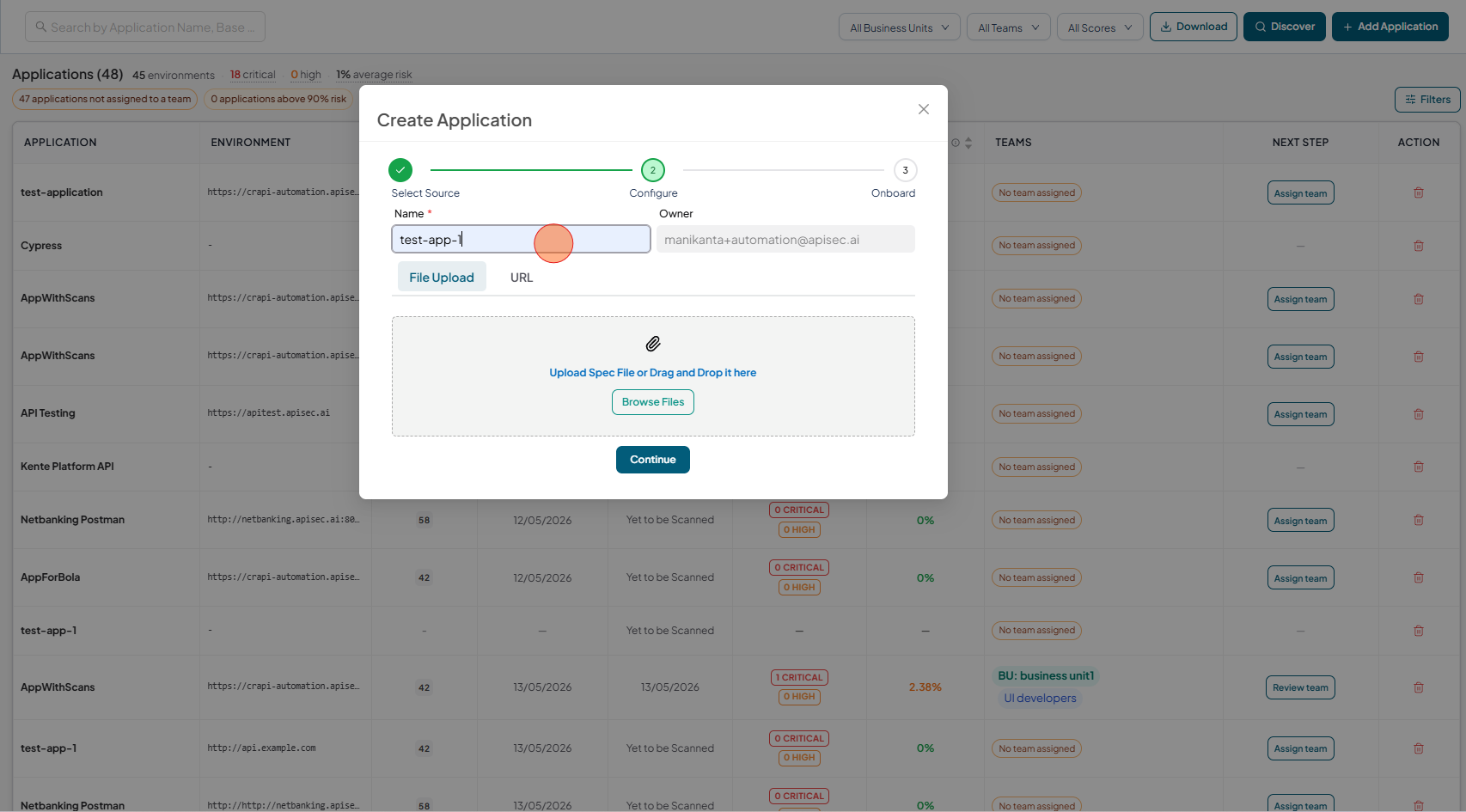
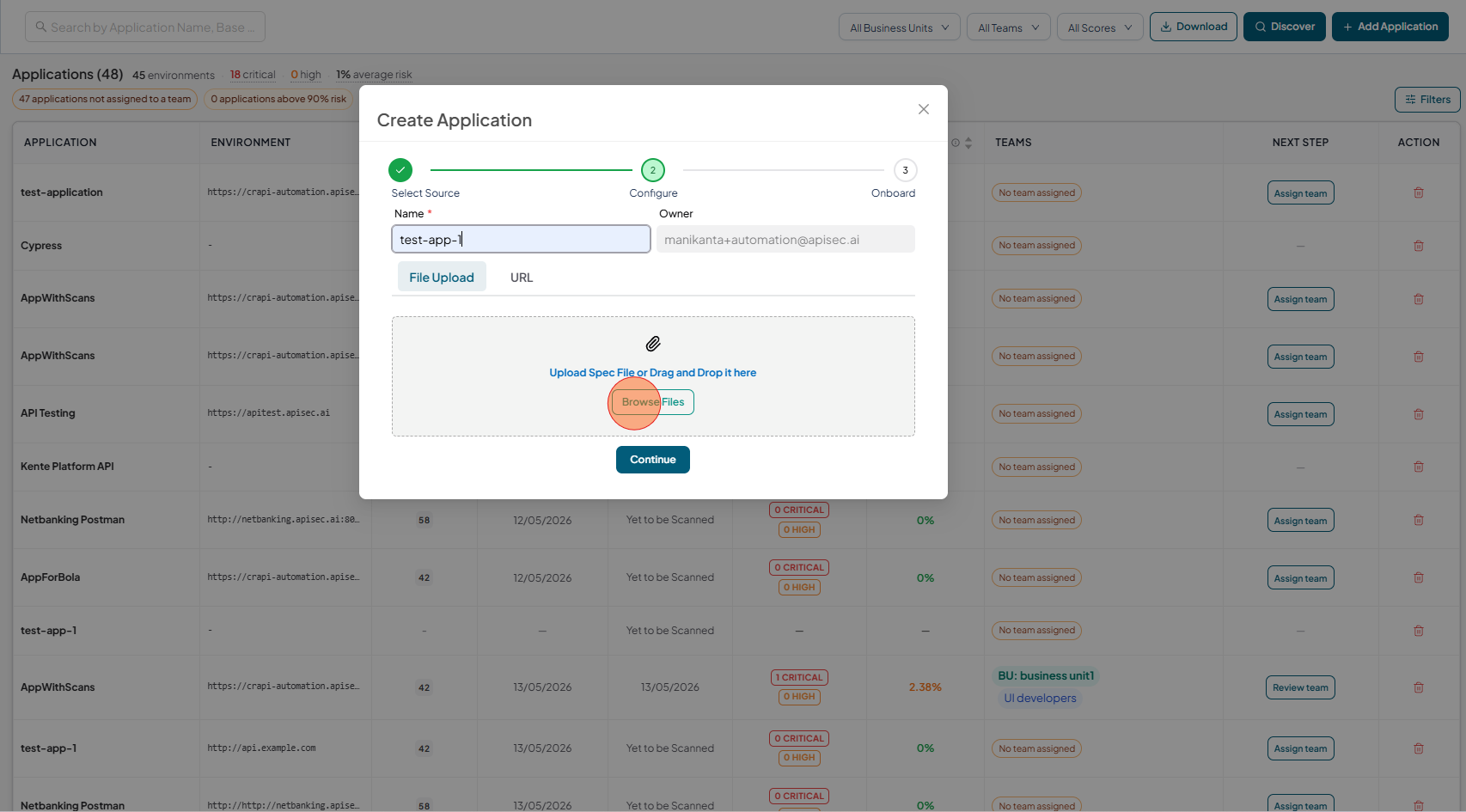
Fill the form, App Name
-
Upload the spec file by clicking Browse files or by dragging and dropping the file into the upload area.
-
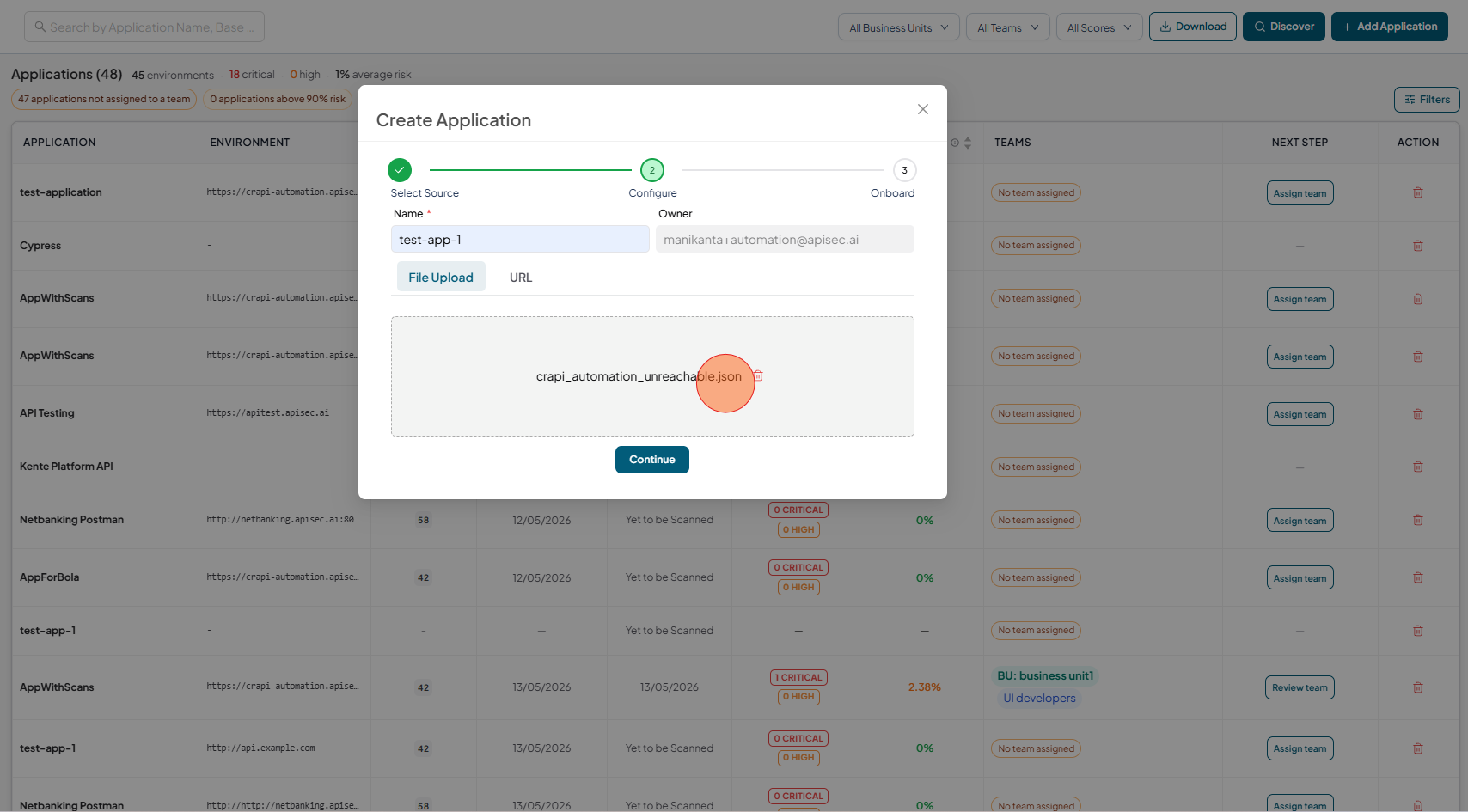
Select the "OpenAPI Spec" document from the file explorer.
-
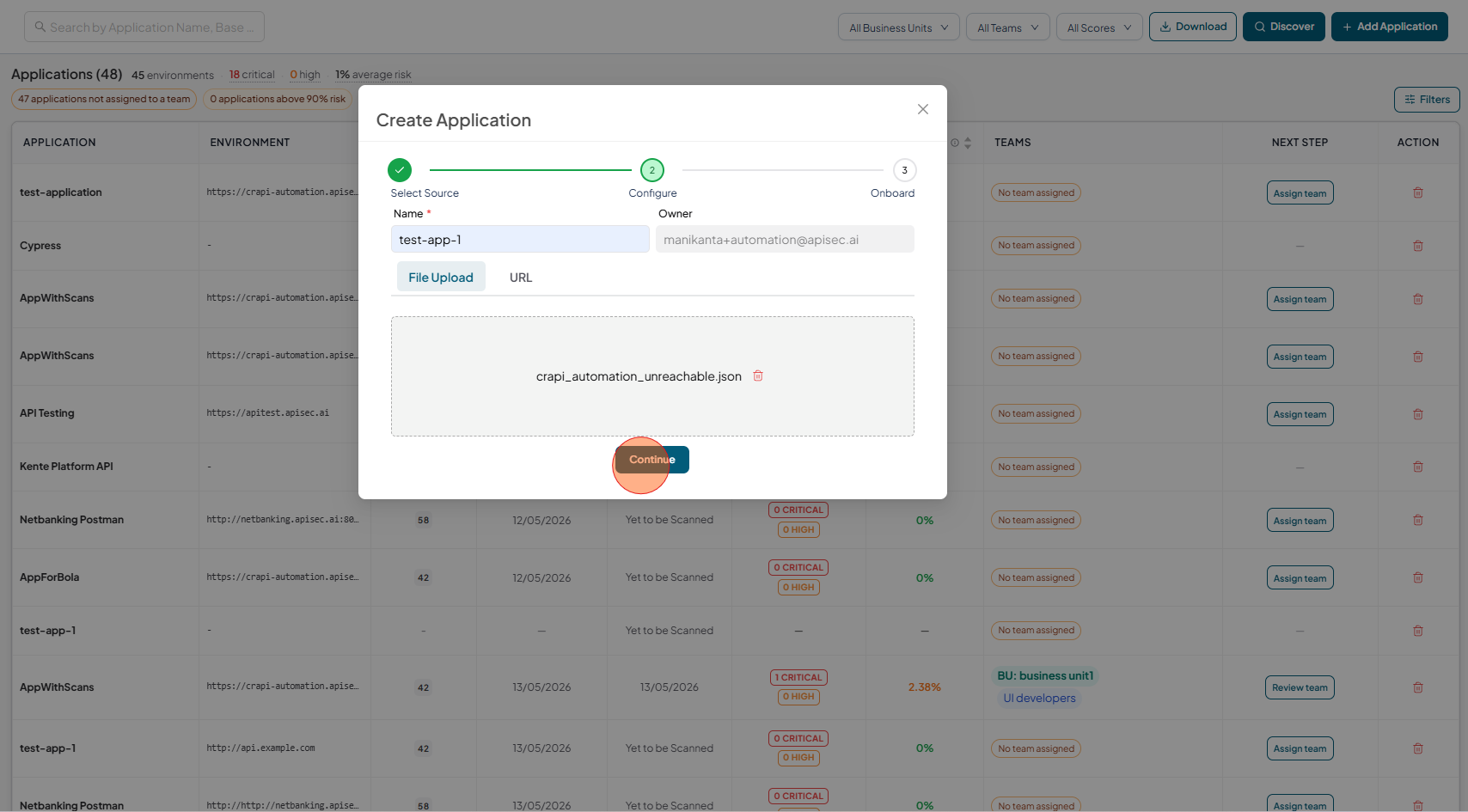
Click on the "Continue" button
-
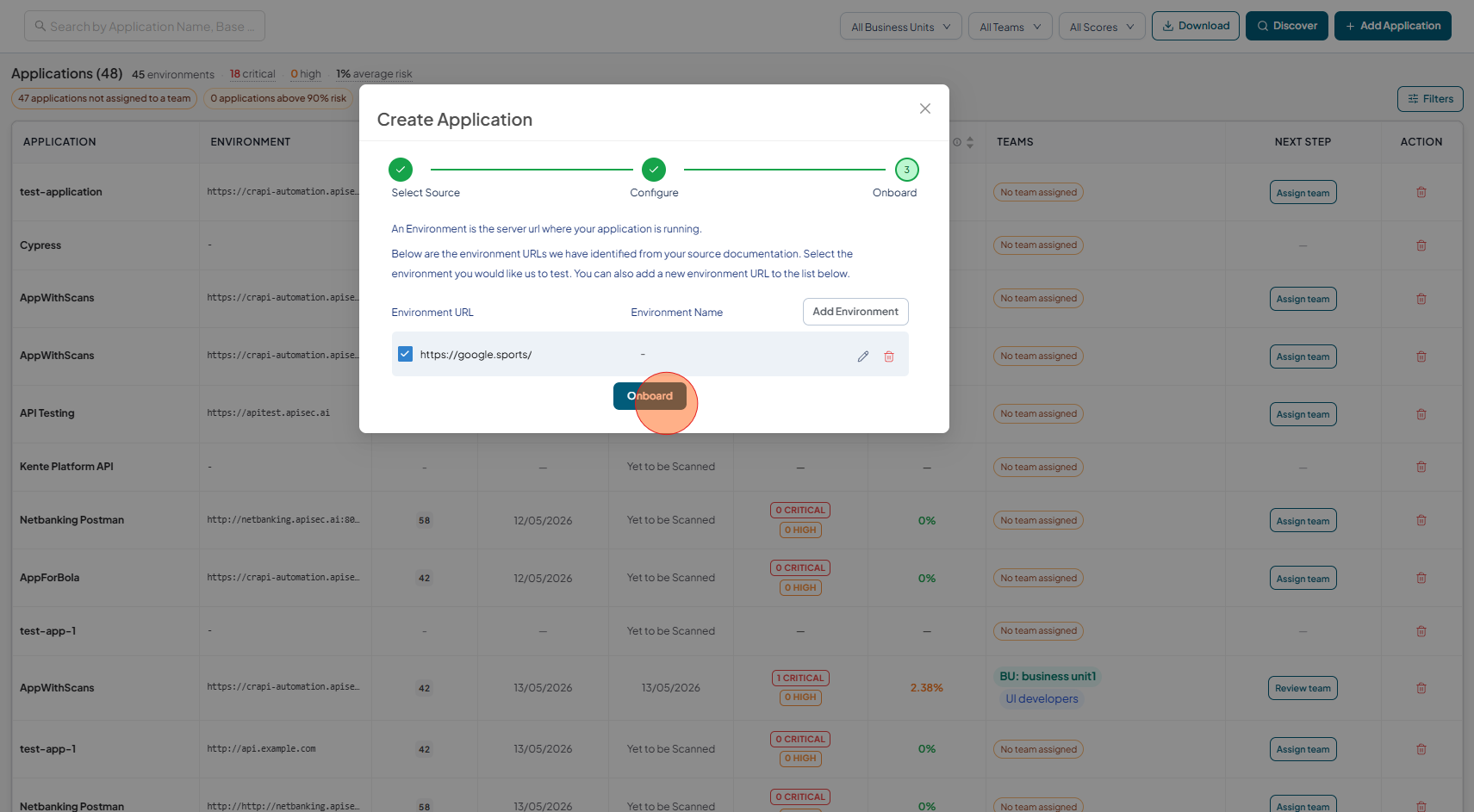
Click on the "Onboard" button
-
Wait until the application is created. Now we have created an application with unreachable base URL.